LYRIC EFFECTS
I designed lyric effects in After Effects, then worked with Effect House AI and R&D to carry the glow, motion, and reading rhythm into the finished effects.
- PROBLEM
- Lyric effects had to keep their look, motion, and reading rhythm once implemented.
- MY DECISION
- I kept the type size and simplified effect selection into speed groups and tags.
- SHIPPED
- The implemented effect entered production after performance checks.
- EVIDENCE
- Three effect demos show the treatments; five later additions left the skill unchanged.
THE RESULT
THE SAME DESIGNS,
A DIFFERENT WAY TO BUILD
The designs started as Editor Pro templates; in Effect House, I could build and check the effects directly with AI and R&D.
Our team developed 13 lyric designs in Q1. In Q3, I reworked seven and animated eight designs from another product. Q4 used a different R&D team and technology.
TikTok’s in-app editor for anyone editing a recorded or uploaded video on their phone.
A desktop effect-making engine, mainly for community creators building effects for others to use.
KEEP THE DESIGN INTACT
I checked the glow, motion, and lyric timing as the After Effects designs became usable effects.
REBUILD THE AE TREATMENT
With Effect House AI, I could recreate the layered look and motion I had built in After Effects.
I built the text, masks, glows, and distortion in AE before handing off the demo. In Effect House, I worked with AI to carry those decisions into the build. I checked it on my phone, and it passed performance checks and entered production.
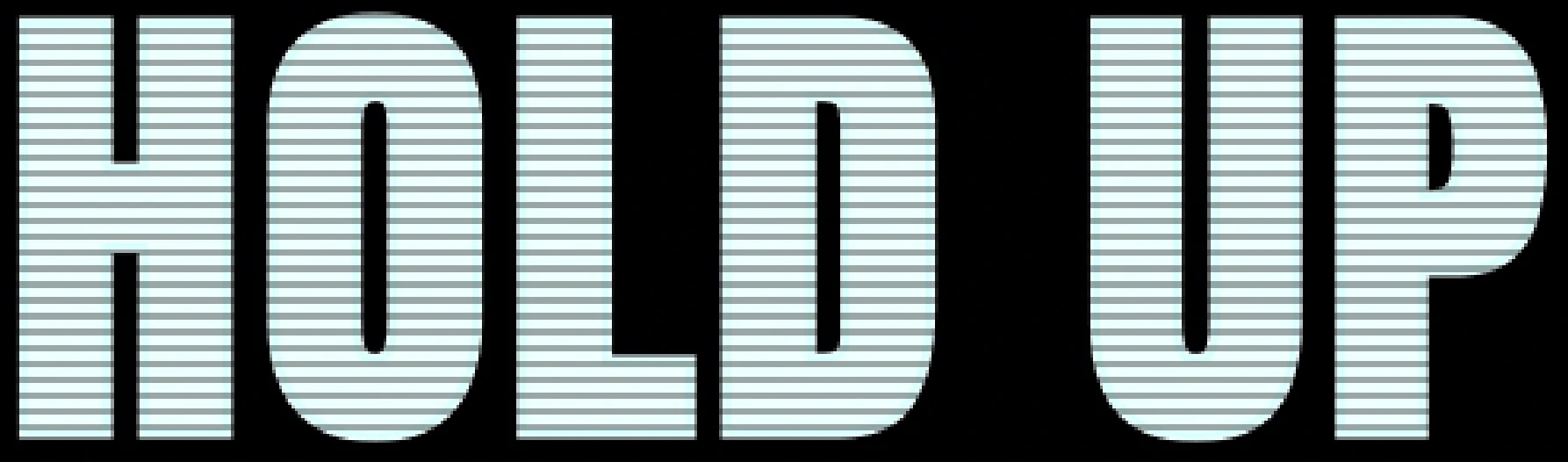
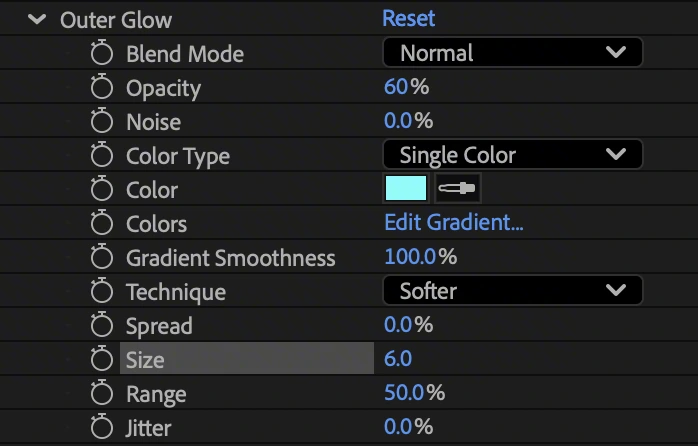
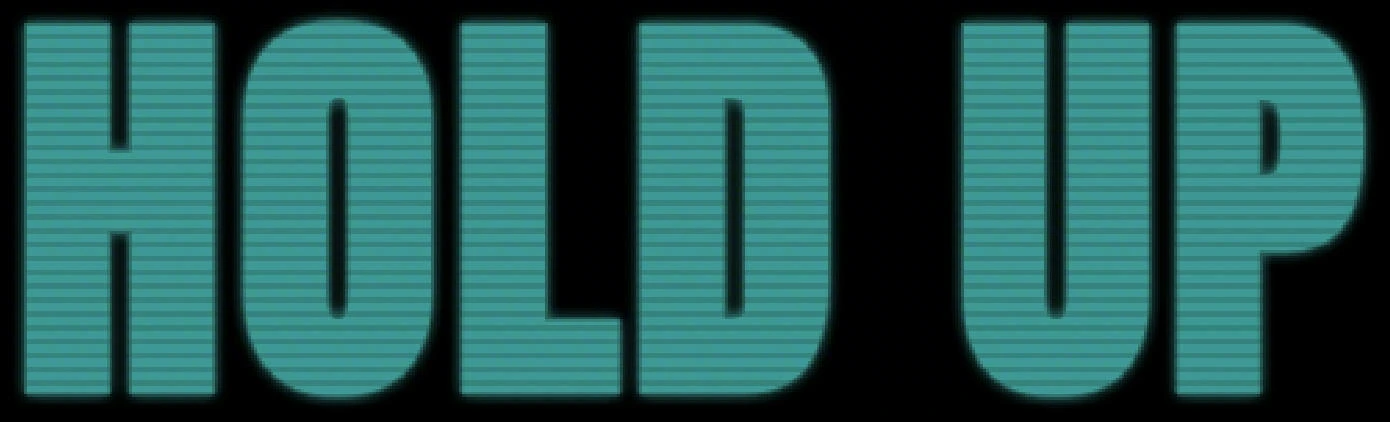
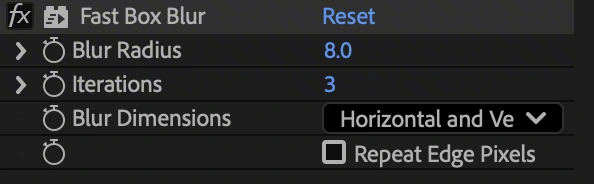
This is the build I handed off: a line mask, the text, and two cyan glows, each matted by the mask. An earlier build had dropped the stacked glow over performance concerns. In Effect House, the same five layers went into one material drawn in a single pass.



MOVE THE LAYOUT, KEEP THE TYPE
When the PM flagged the tight margins, I moved the layout inward without shrinking the type.
Using our UX safe-zone reference, I moved Music Player inward and narrowed the lyric area while keeping the type size. I used AI to implement the layout change, so longer lines could wrap instead of shrinking.
The same sentence could then wrap onto another line while keeping its size.
GIVE THE WORDS A FEELING
I gave slow, mid-tempo, and fast songs different ways for the lyrics to fall.
DRIFT, BOUNCE, DROP
I shaped three falling rhythms: a gentle drift, a playful bounce, and a heavy drop.
Slow songs use handwritten words that drift and settle; mid-tempo songs bounce, with an emoji option. Fast songs use bold words that fall hard and build a heavier pile.
I refined all three with AI, then began writing their visual choices into a reusable skill.
MAKE THE JUDGMENT REUSABLE
A skill is a set of instructions the AI can reuse. Mine grew more complicated before I learned what to simplify.
WEEK 1: START WITH LYRICS DROP
I started with one effect and its font choices, then worked with R&D to turn those design decisions into a reusable skill.
I asked what the output should look like and worked with AI and R&D to make it usable. The Lyrics Drop rules grew from choosing a font to specifying color, motion, and filters.
WEEK 2: ADD MORE DECISIONS
I expanded from styling one effect to scoring which effect each song should use.
We added mood, genre, and speed scores across seven effects, with extra checks and fallback choices. The system became more detailed, but every new effect meant revisiting the rules.
WEEK 3: BRING IT BACK TO SPEED
We decided to sort songs only by fast, mid, or slow; I moved the effect choices into tags.
Adding an effect could then mean adding its tags, and five later additions left the skill unchanged. We also added a beats-per-minute (BPM) check that flagged a mismatch without changing the speed group.
On October 19, I added a dense-rap template selected by word density, so crowded lyrics no longer relied on speed alone.
For a later PM request, I extended the same speed-and-tag logic into a separate version offering multiple effects per song, including suitable player effects for songs without lyrics. The lesson I kept: a good rule makes the next effect easier to add, not harder.
“The goal is to make it match the design.”