AI GRAPH EDITOR
An animal chef had to stay consistent across generated frames; a time-lapse had to survive the full edit. I tested model output, traced workflow failures, and finished three launch templates, including Nightmare, which I took over from a colleague.
- PROBLEM
- Generated images, animation, and editing had to hold together as usable templates.
- MY DECISION
- I tested model output and separated assembly failures into testable combinations.
- SHIPPED
- I finished three launch templates, including Nightmare after taking it over.
- EVIDENCE
- 311,769,142 video views across the three templates as of September 12, 2026.
THE numbers
The three launch templates became starting points for 1,557 creator effects, which creators used to build effects of their own.
New effects other creators published using one of the three templates as their starting point.
Videos people made with the three templates and posted on TikTok.

Times those videos were watched.
Totals across the three templates, as of September 12, 2026.
THE RESULT
A NEW WORKFLOW NEEDED WORKING EXAMPLES
The workflow could generate images, animate them, and assemble a video. Our launch examples had to make all three stages work together.
Effect House was preparing a workflow that chains AI image generation, video generation, and editing. I tested ideas against real model output, shaped the results into a story, and checked the assembled cut.
Service Working Animals and Nightmare use image-to-video; Wait Long Enough assembles generated stills into a time-lapse.
SERVICE WORKING ANIMALS
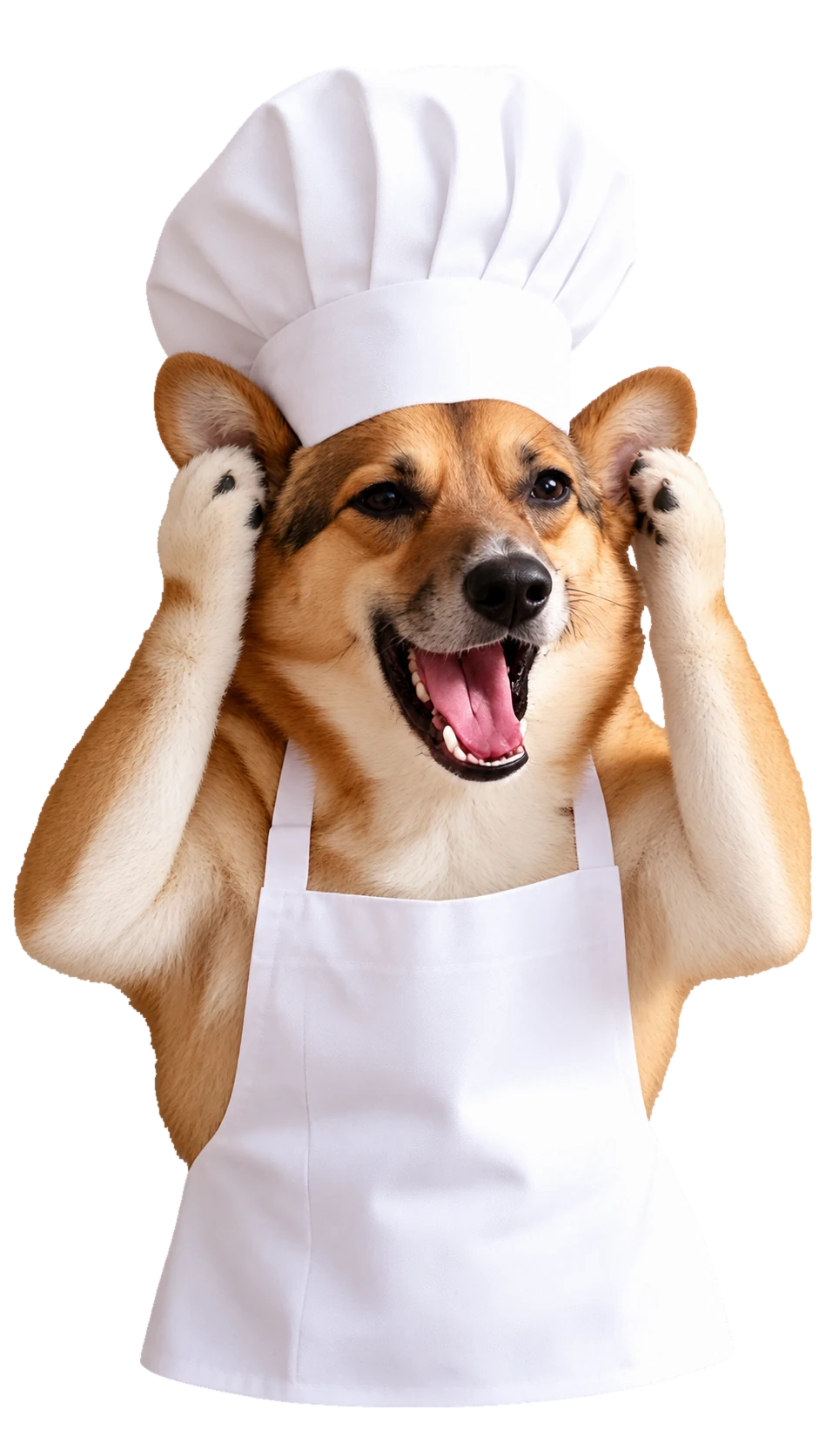
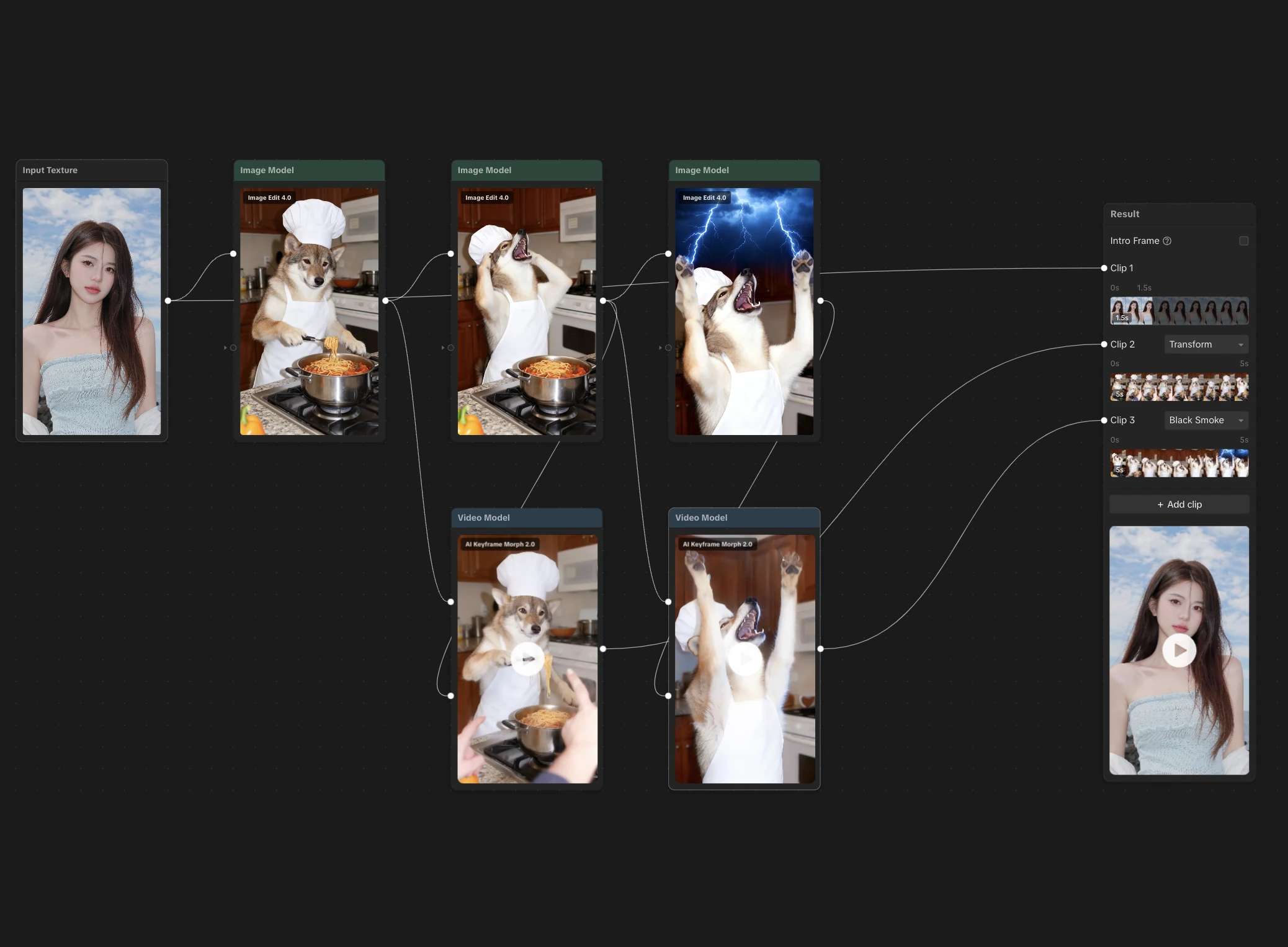
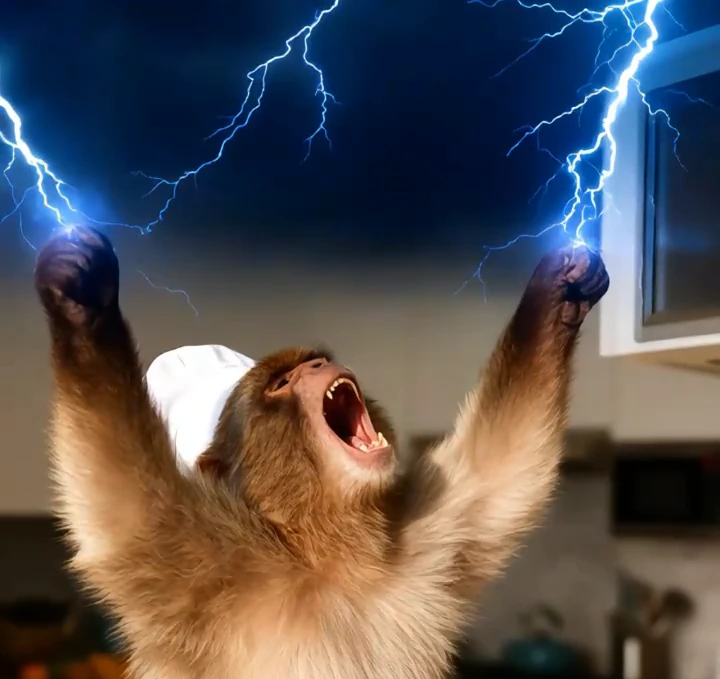
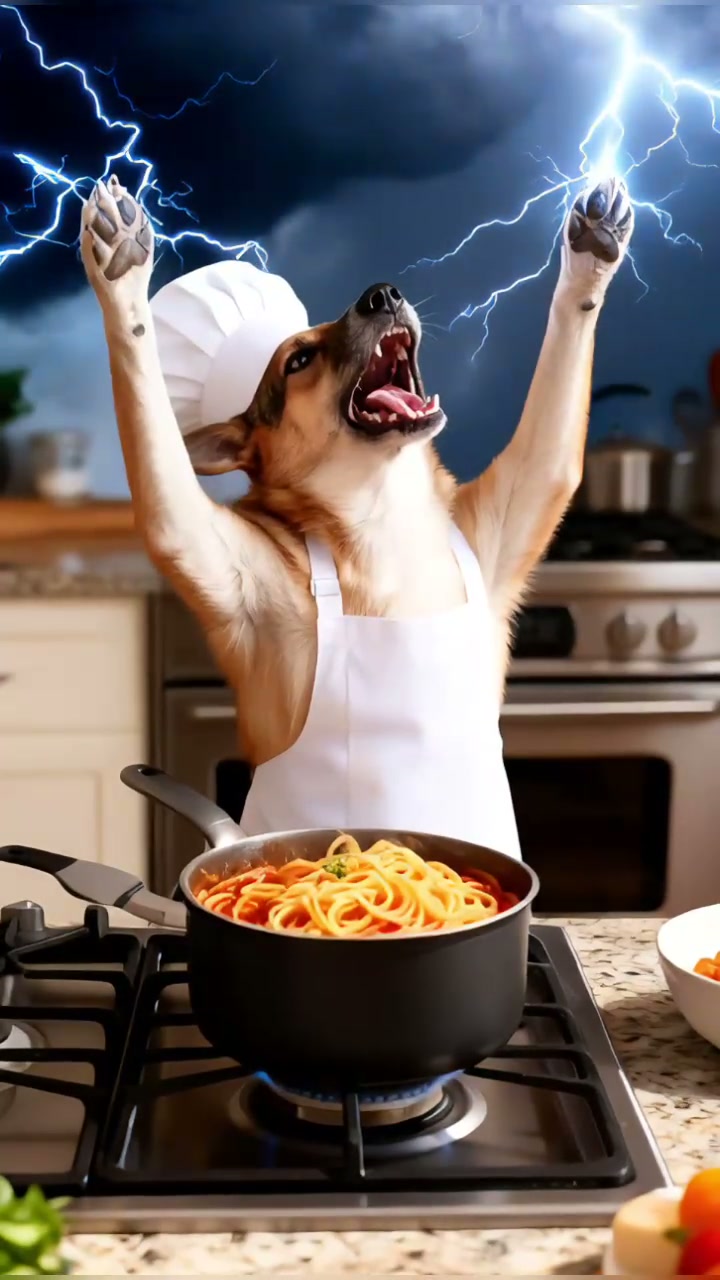
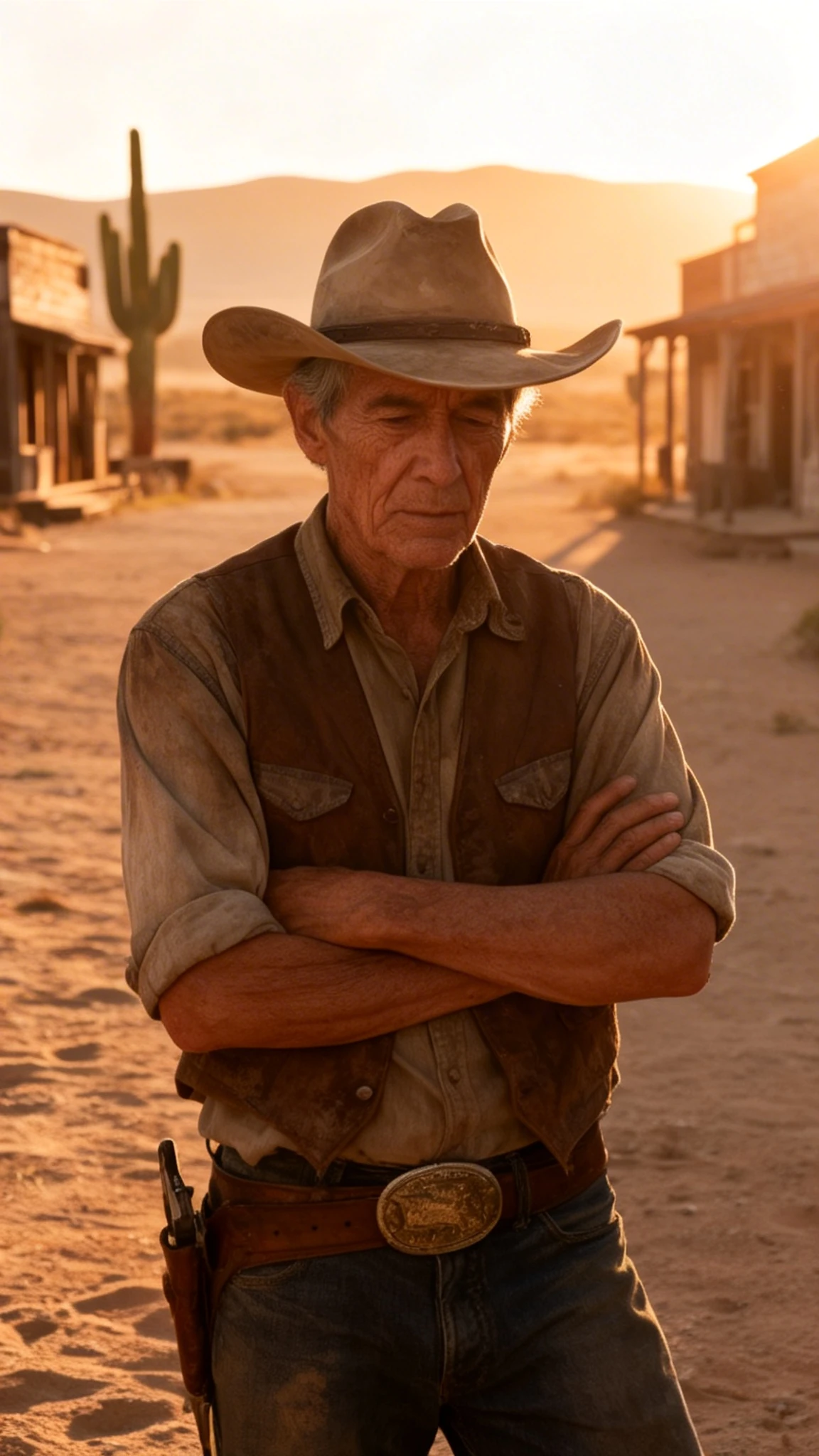
Image-to-video. A person becomes an animal doing a service job, and the job goes badly.
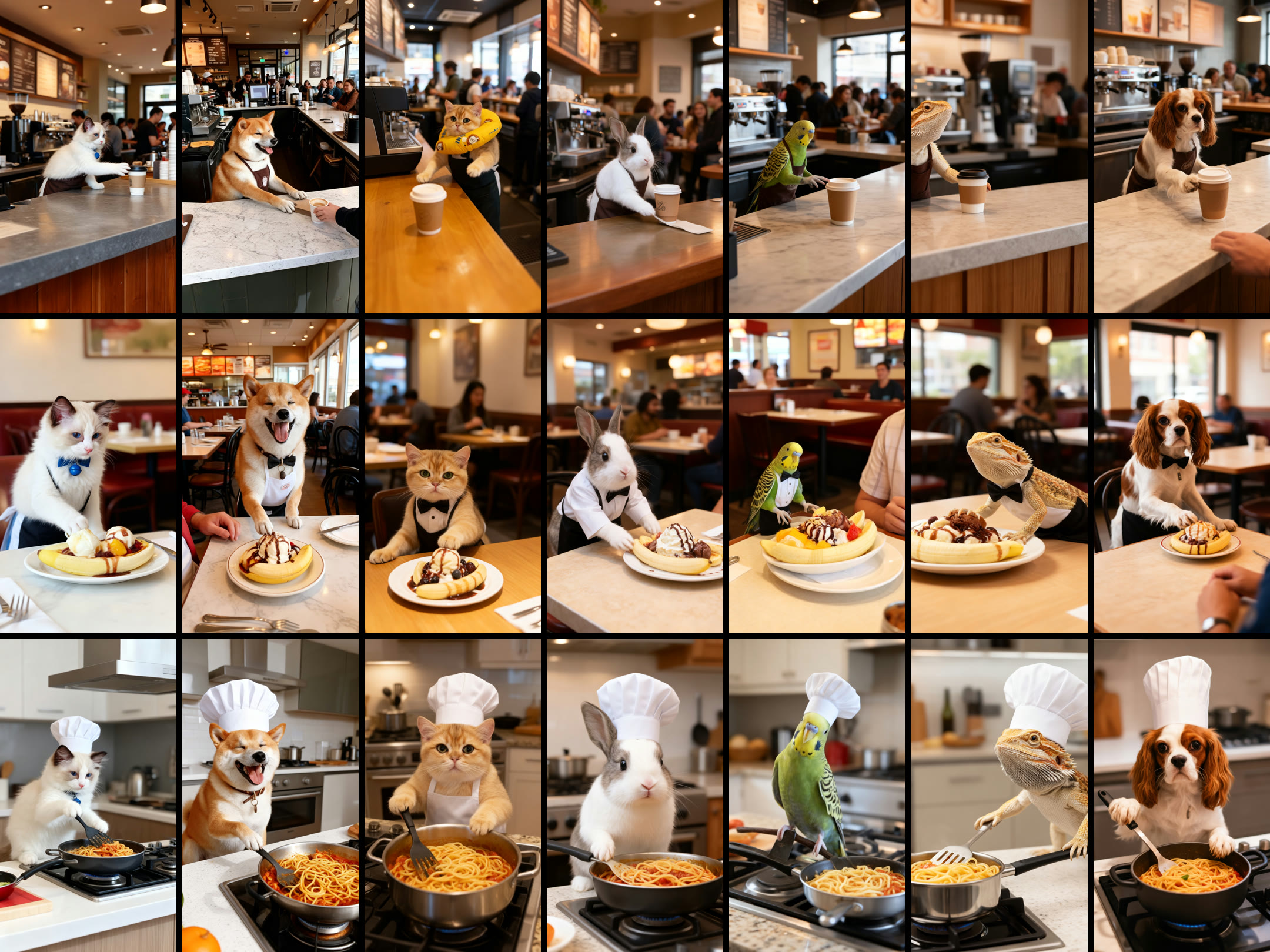
KEEP THE VARIATION THE MODEL GIVES YOU
I kept the model's variation as part of the experience: every user gets their own animal, inside the same workplace story.
The idea began as pets doing service jobs. When the brief shifted to turning a person into an animal, I tested whether the existing prompt could carry the change. It could, and it produced a different animal for each input.
CHOOSE THE SCENARIO THE MODEL CAN SUSTAIN
The kitchen failed far less often than the other jobs, so it became the template's scenario.
I tested chef, waiter, and barista. Waiter and barista outputs kept missing the action, distorting anatomy and props, or adding brand logos.
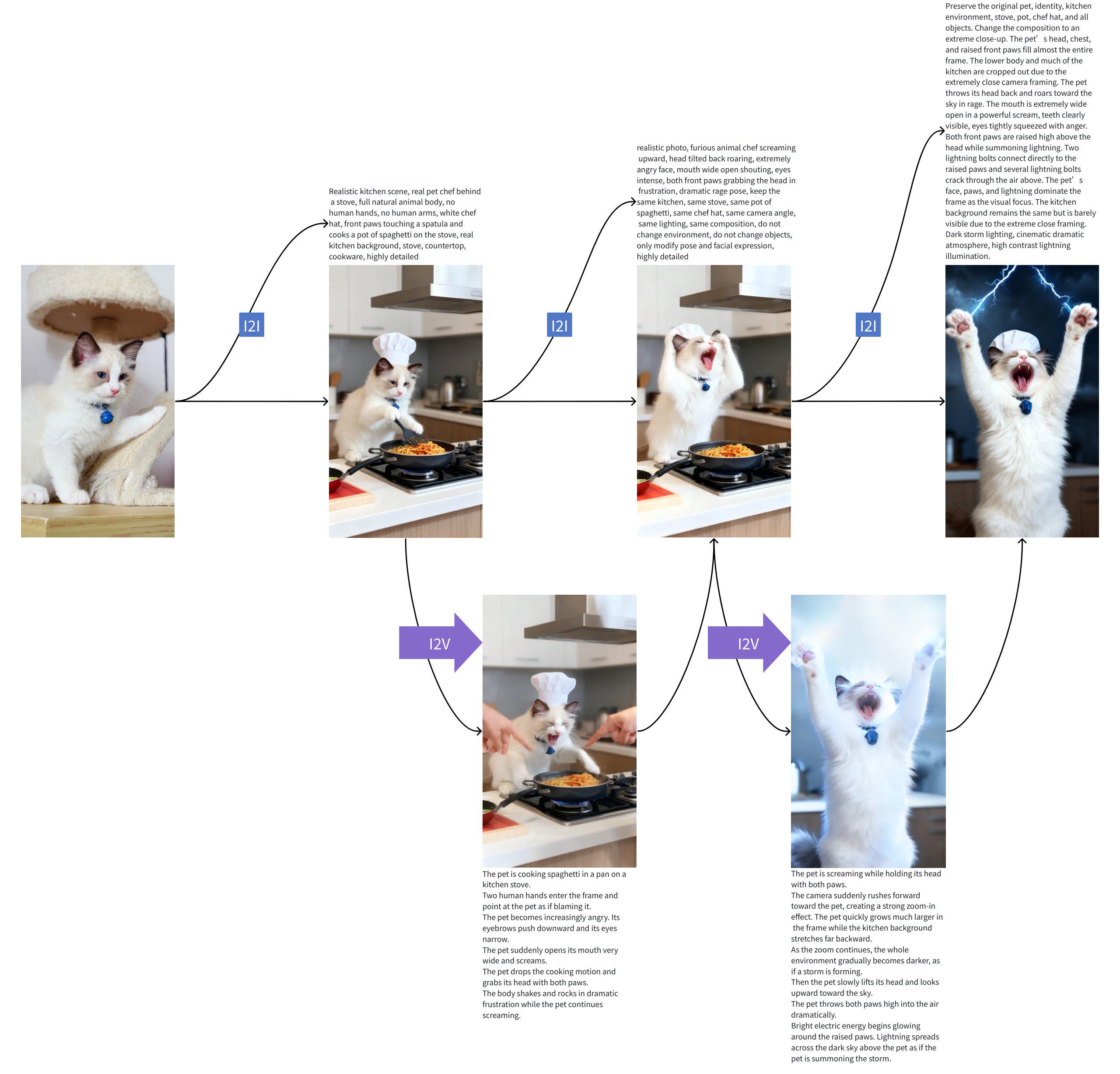
GIVE THE FRUSTRATION A PAYOFF
After review, I replaced the ending where the animal runs away with a payoff for the pressure: it summons lightning.
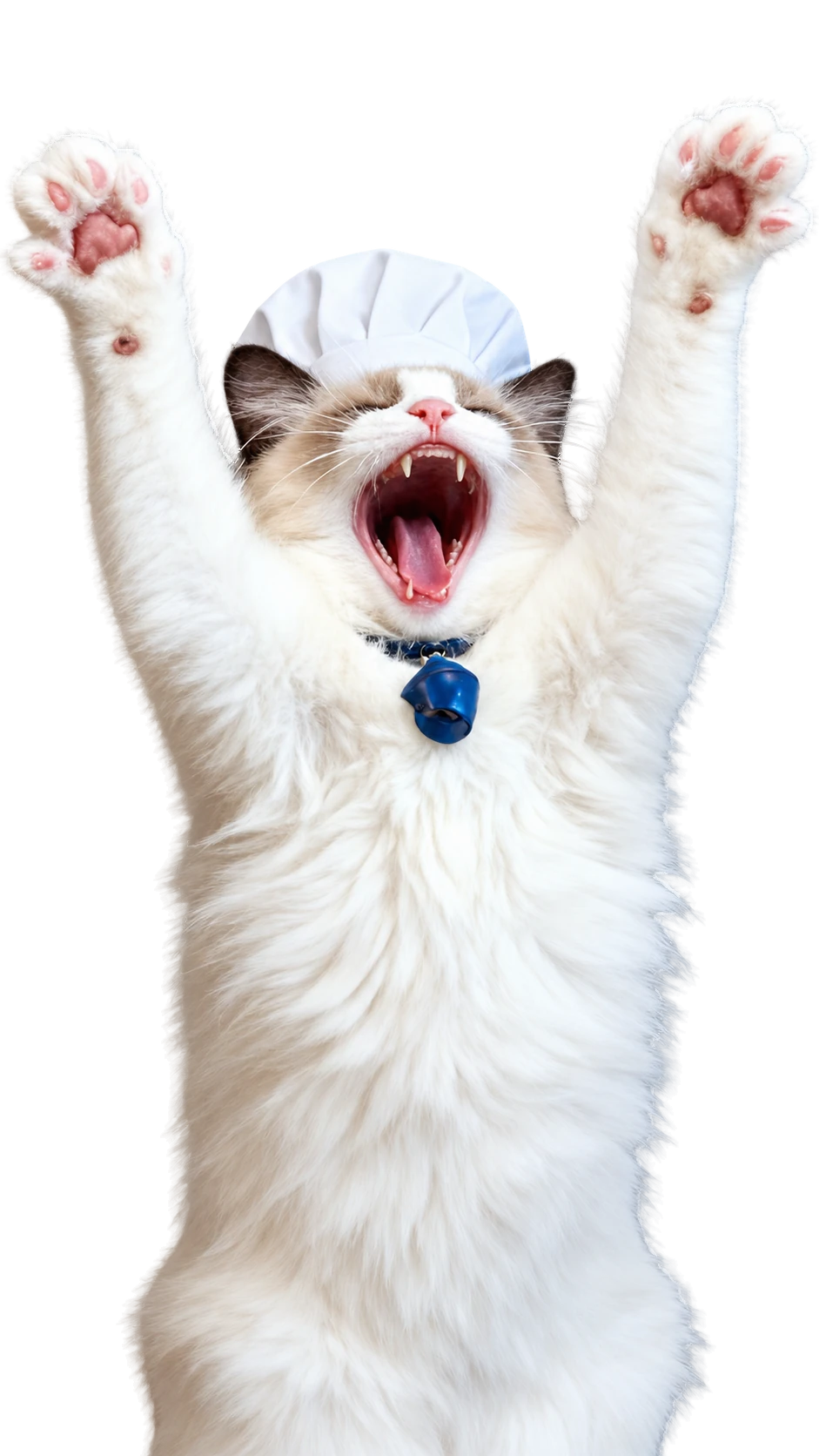
I drew on a familiar feeling, being under pressure at work while someone criticizes everything you do, and pushed it to an absurd response: the animal raises its arms and summons lightning, with cat-and-lightning memes as the visual reference. Image-to-image generation produced the lightning pose reliably, which made the first-and-last-frame video setup straightforward.
“Suddenly several human hands enter the frame and keep continuously pointing toward the pet. The pet looks startled and quickly leans backward with a frightened face and body posture while the hands continue pointing without stopping. After a moment the pet begins crying like a human, opens its mouth in a sad crying expression, drops the spatula, and quickly runs away from the stove.”
IMAGE ALIVE PROMPT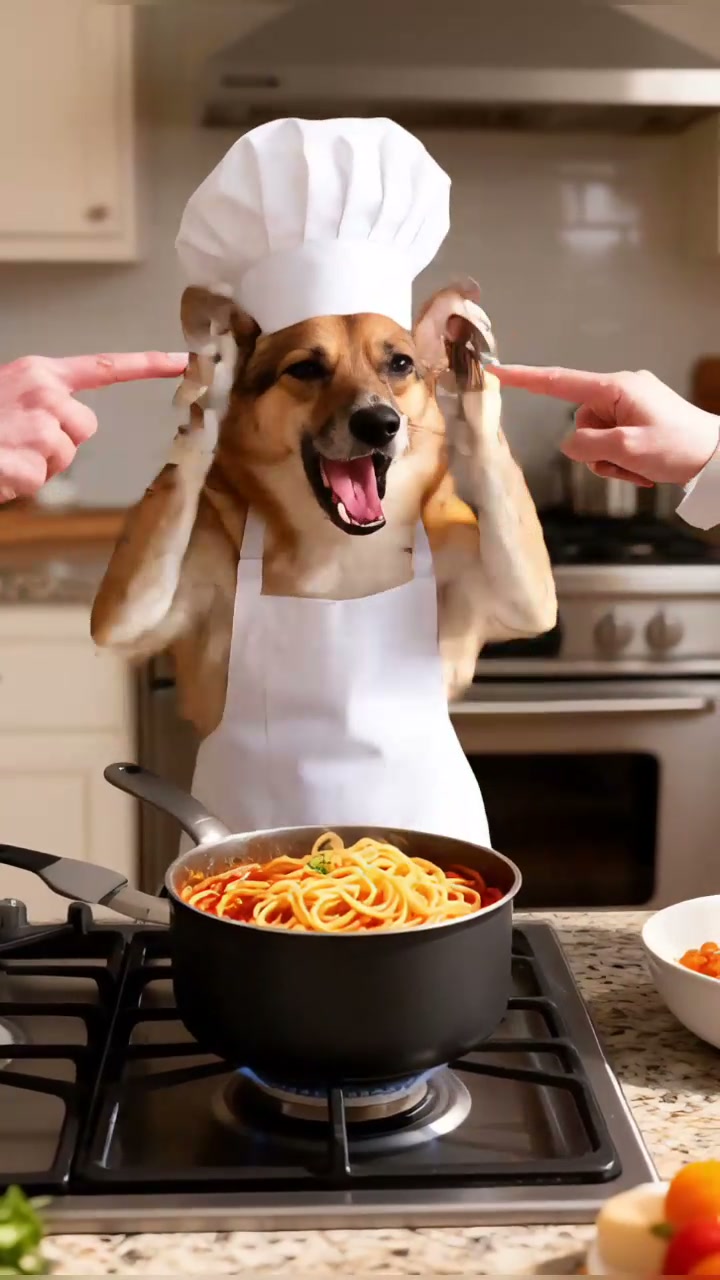
WAIT LONG ENOUGH
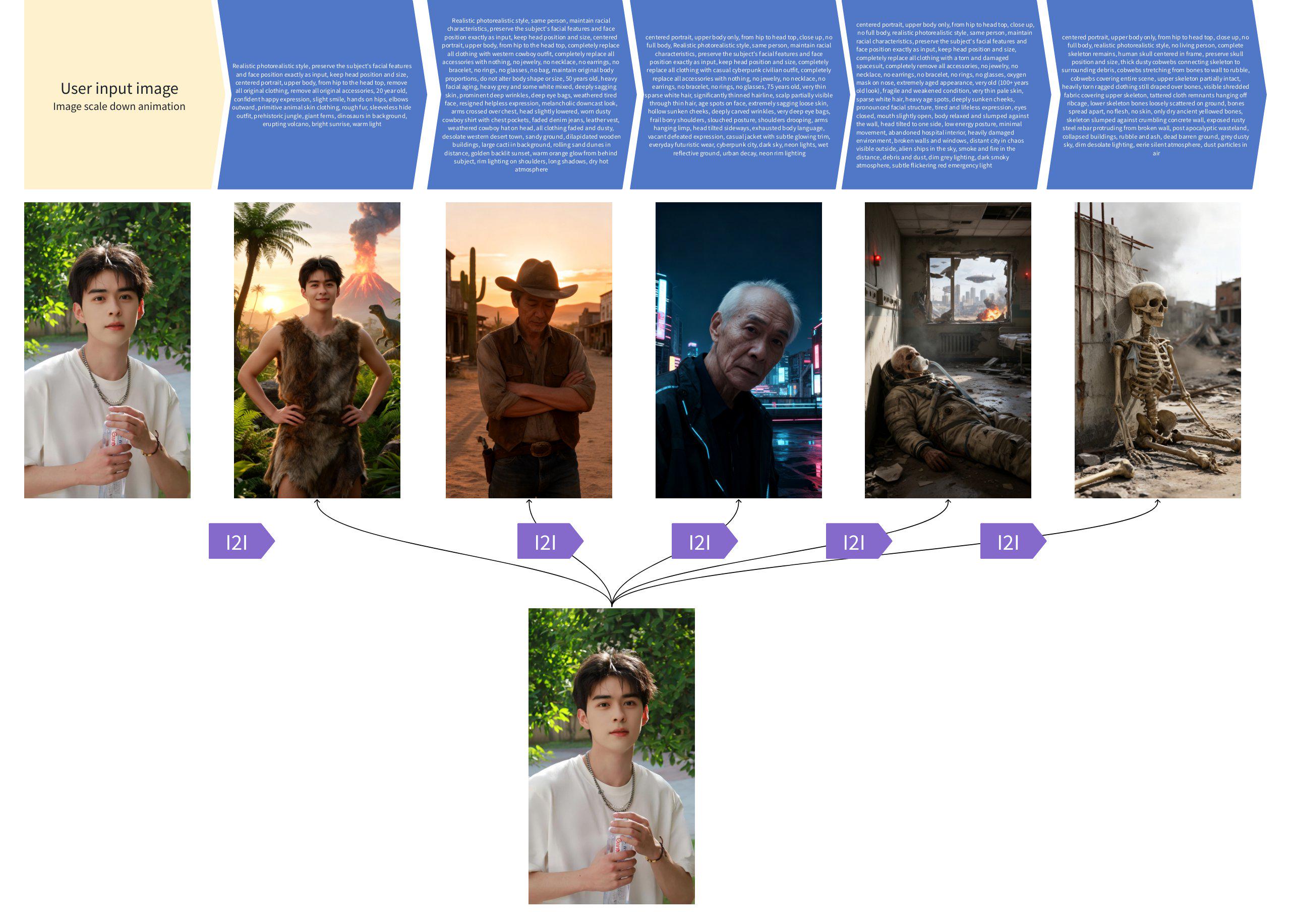
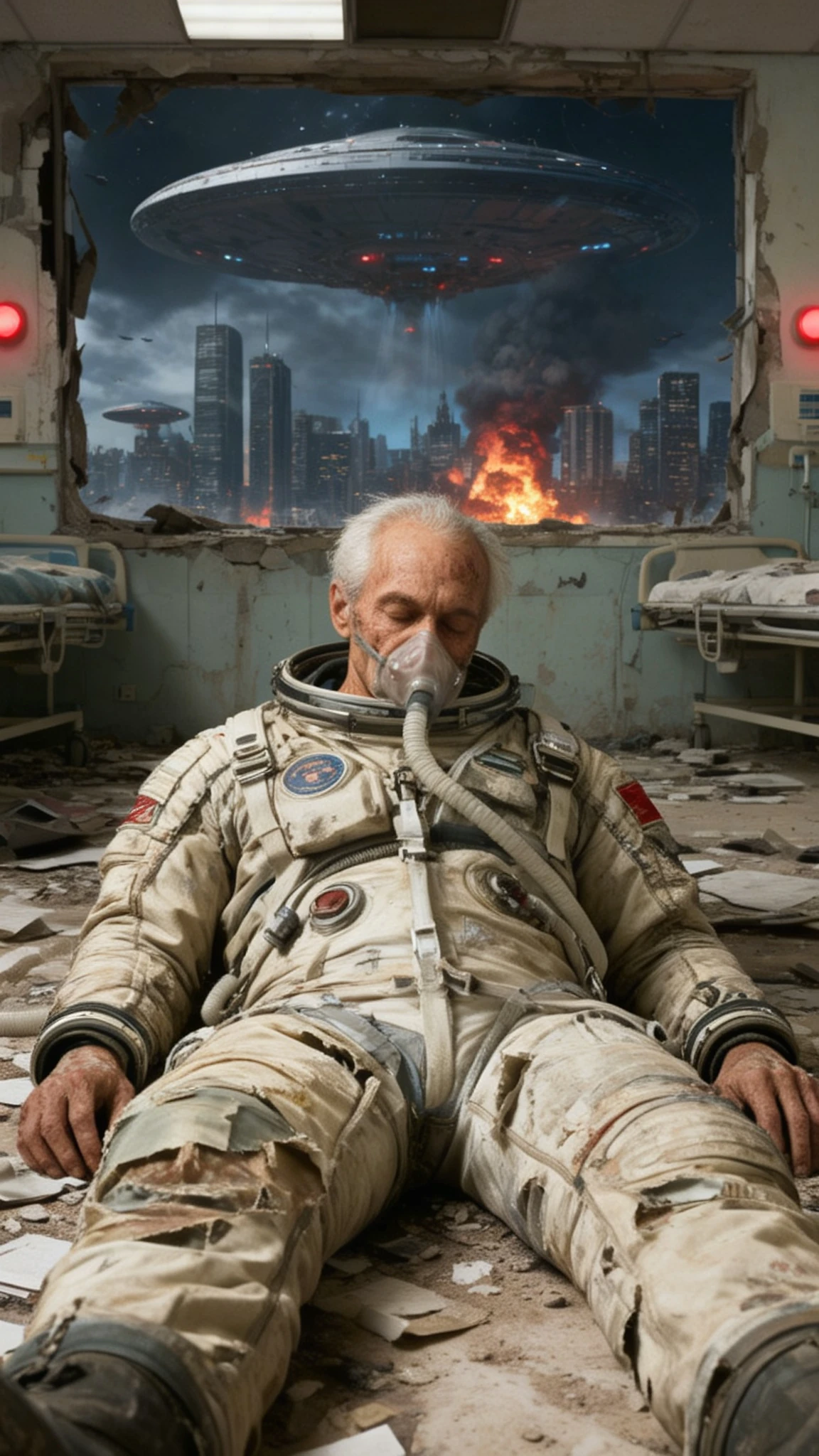
Six stills made the world grow over the user and exposed an assembly failure I narrowed down for engineering.
BREAK THE FAILURE INTO TESTABLE COMBINATIONS
Two or three clips assembled fine, but all six failed, so I tested cropping and transitions separately to find the trigger.
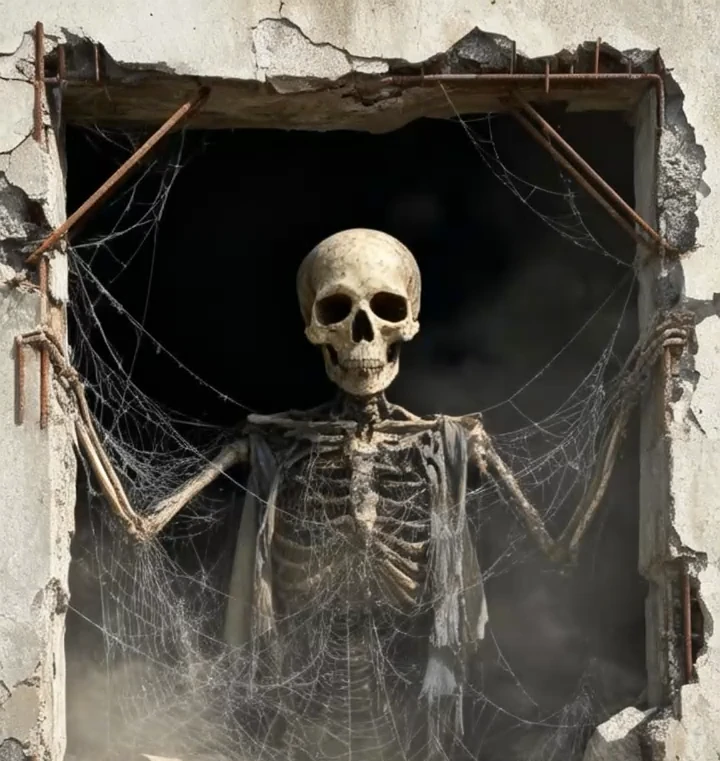
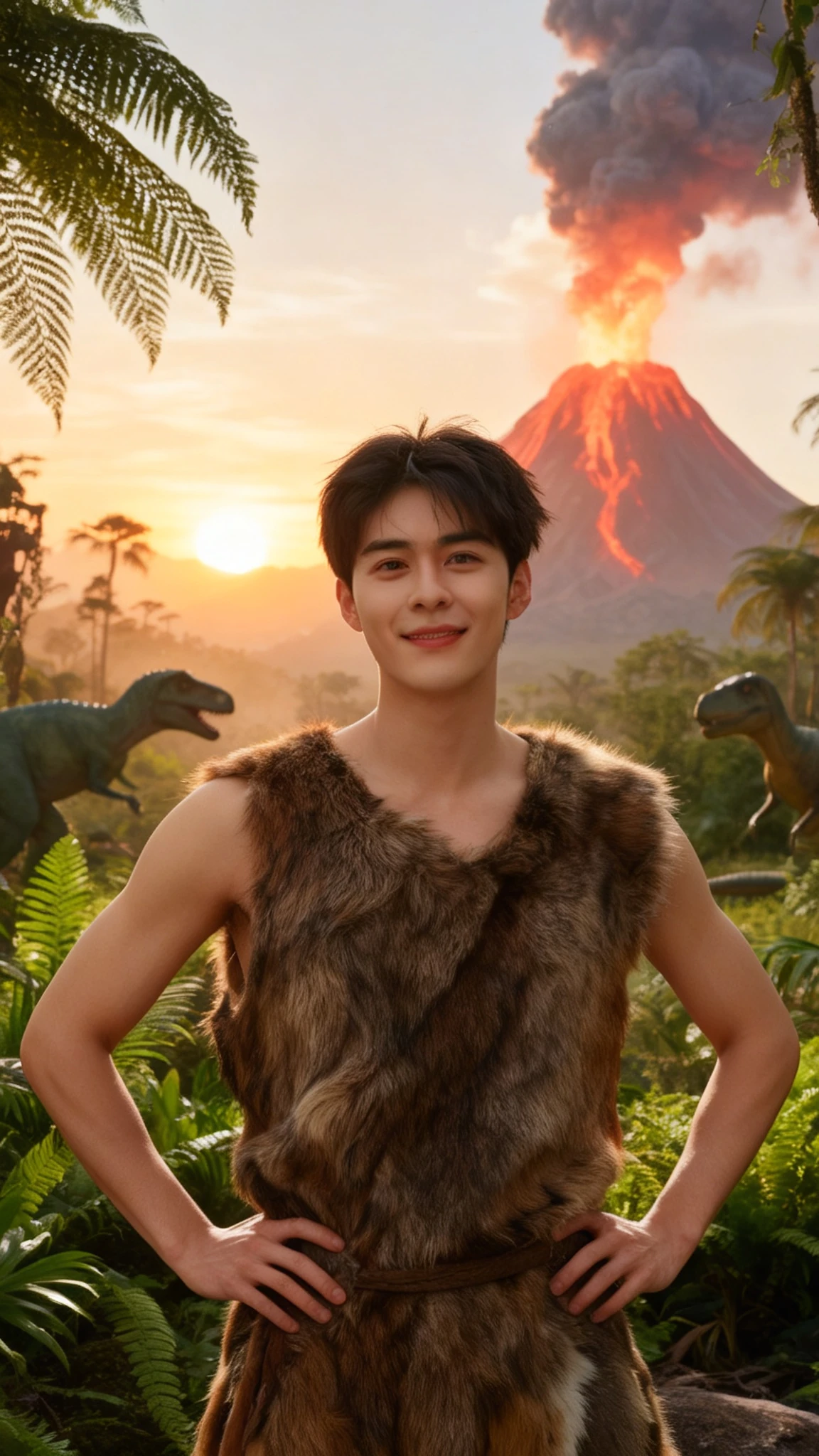
The world slowly grows over the user: one original photo plus five generated stills, assembled into a time-lapse. That hit the tool's input limit and exposed a failure smaller tests had missed. I removed cropping, then transitions, then tried them in combination, and traced the trigger to how the two interacted in the longer assembly.
REVISE A BLOCKED PROMPT WITHOUT LOSING THE CONCEPT
When the prompt was blocked, I moved its description away from death imagery toward a living but exhausted subject.
The block came with no explanation. After I revised the wording, generation succeeded with consistent quality.
“The human face rapidly ages and decays into a skull.”
“Dust accumulating rapidly, skin desiccating, drying, and cracking before revealing the bone.”
“The person turns into dust and blows away, leaving only a skeleton behind.”
PROMPT TESTS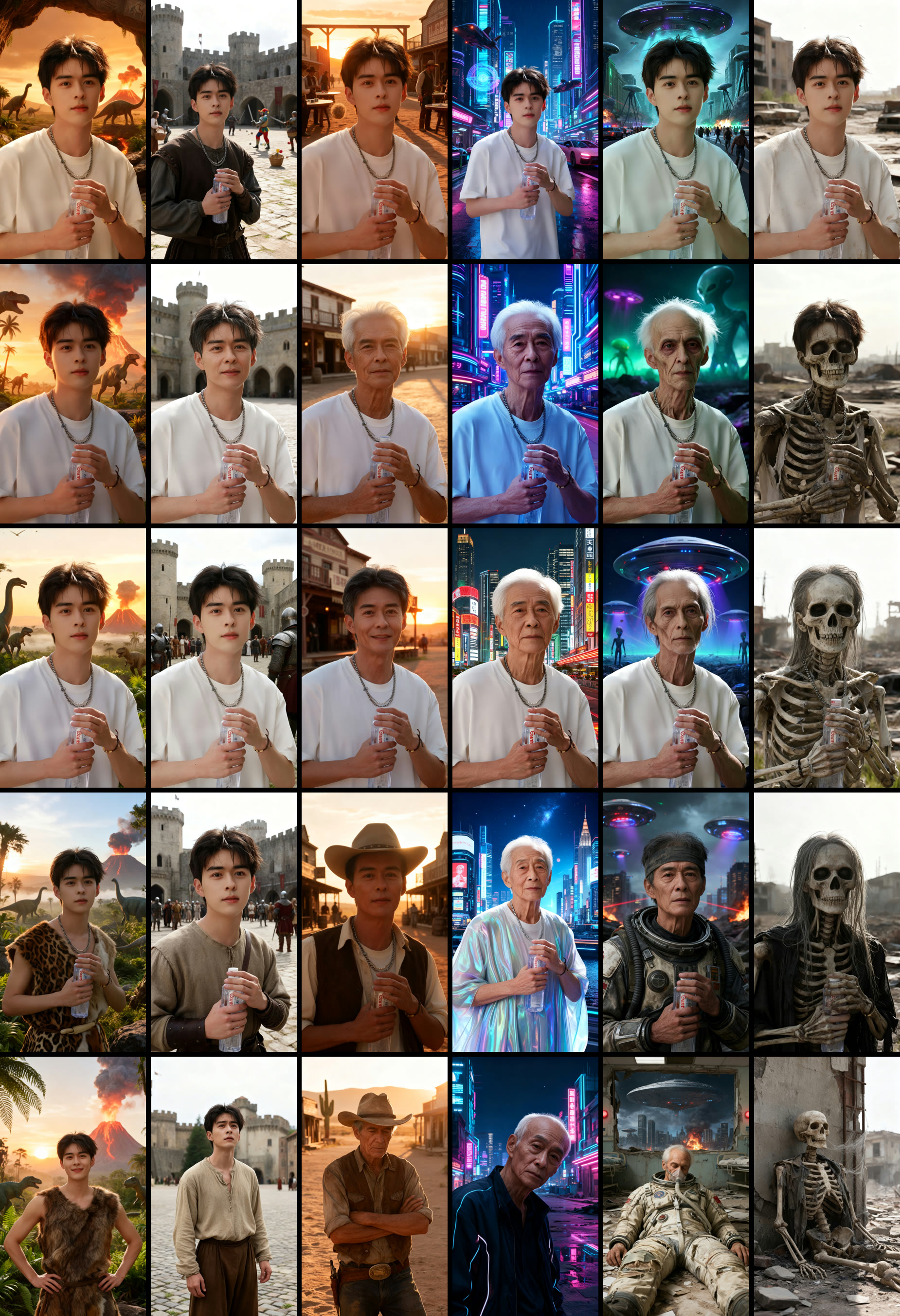
NIGHTMARE
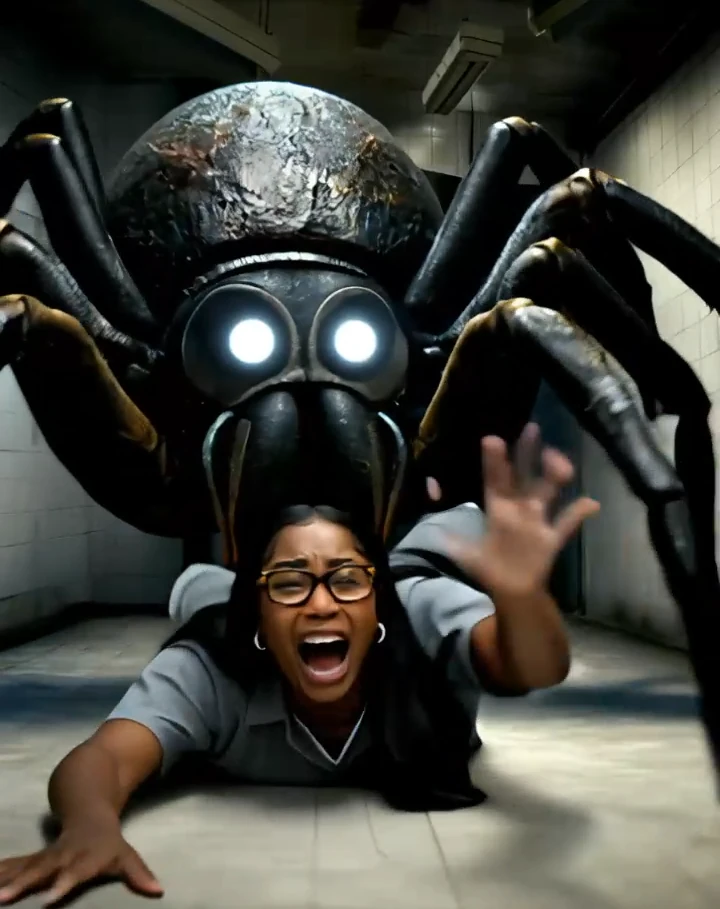
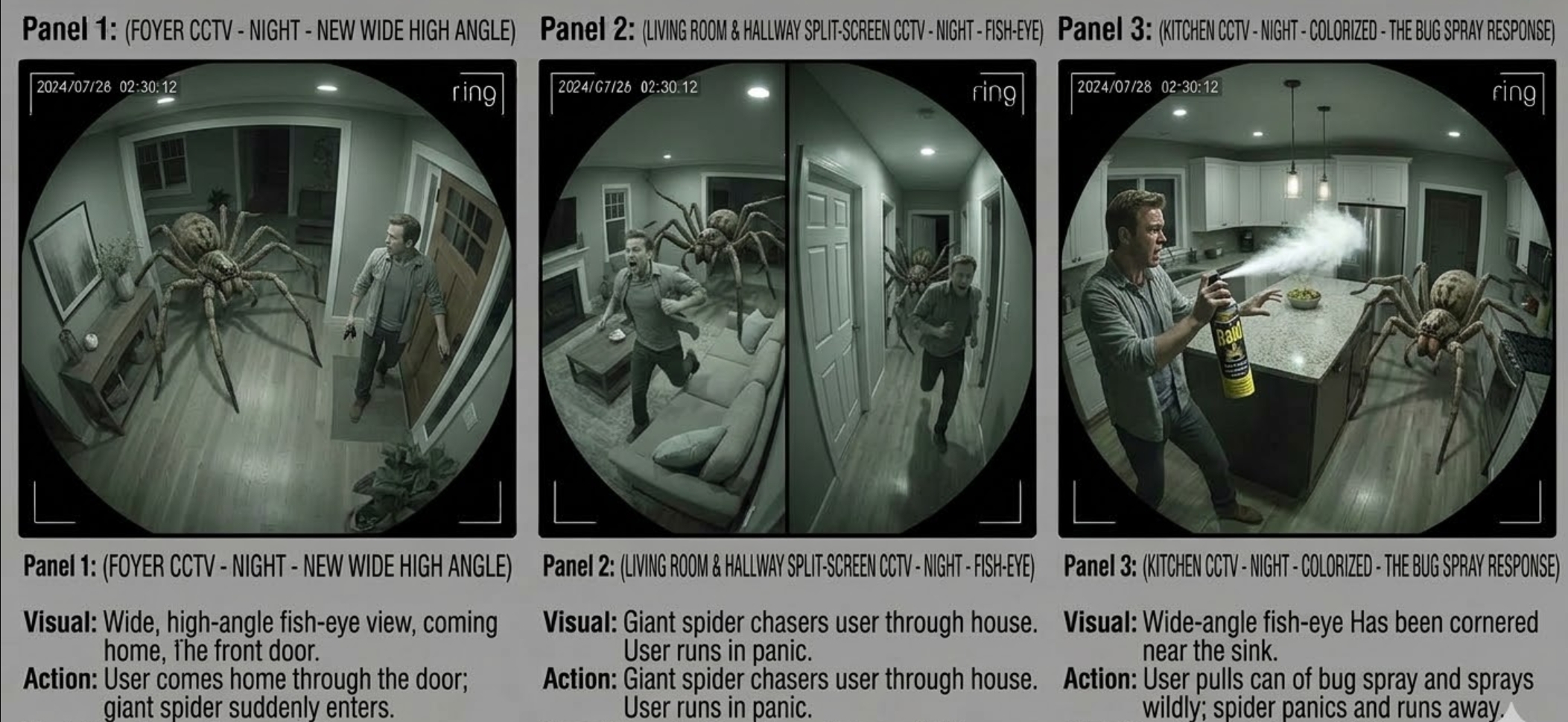
A spider drags the person away. I took over the shared concept’s build, prompt refinement, timing, and transitions.
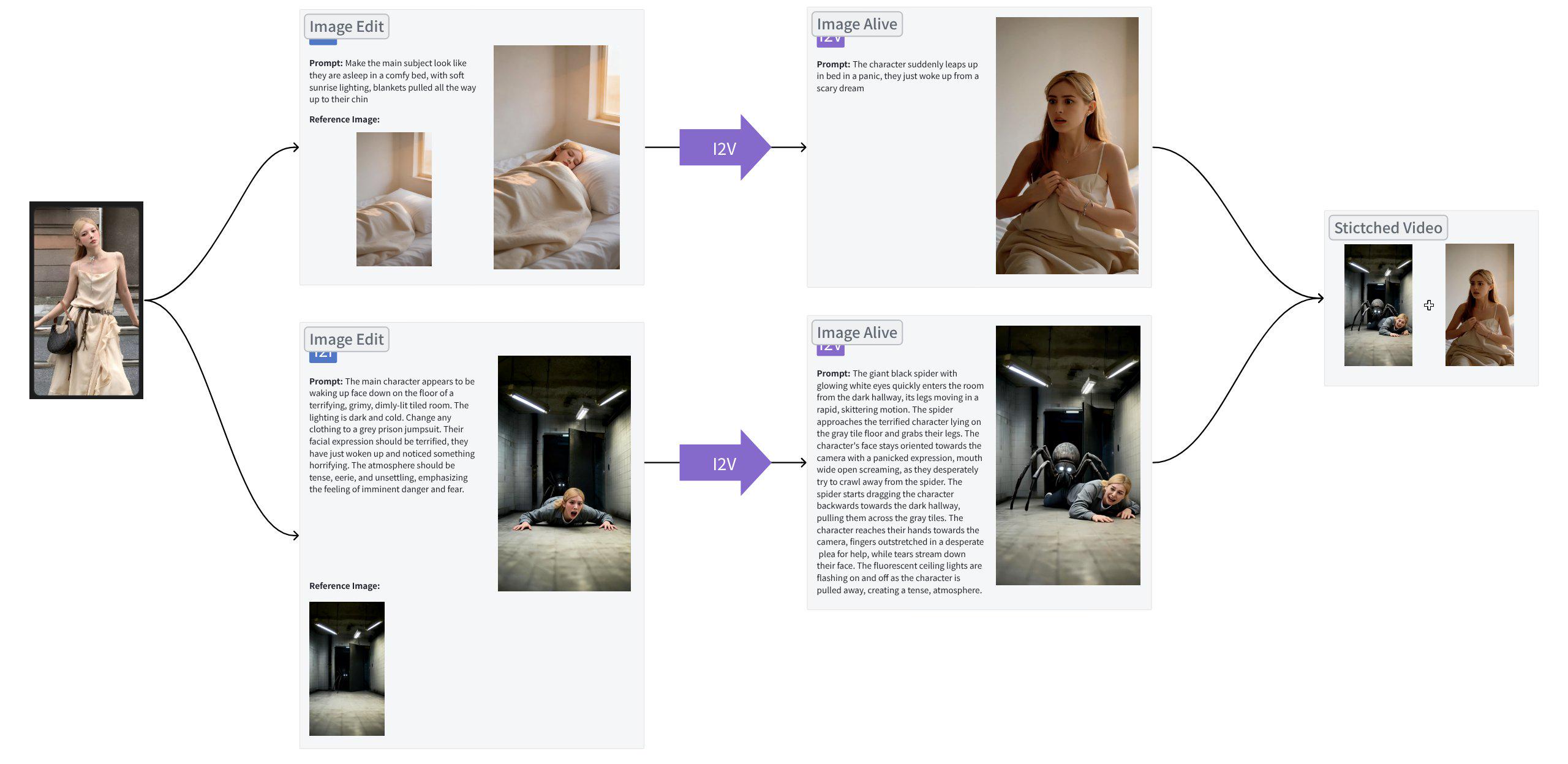
CARRY A SHARED IDEA THROUGH TO THE FINISHED CUT
When a colleague moved to another project, I took over the AI Graph build, finished the prompt adjustments, and refined timing and transitions.
My colleague’s first concept had a person falling through clouds and waking in bed, but feedback found the opening too calm to scare anyone. The rework borrowed a giant spider from one of my brainstorms: in a backrooms-style corridor, the spider drags the person away. My colleague built that version and wrote the initial prompts.
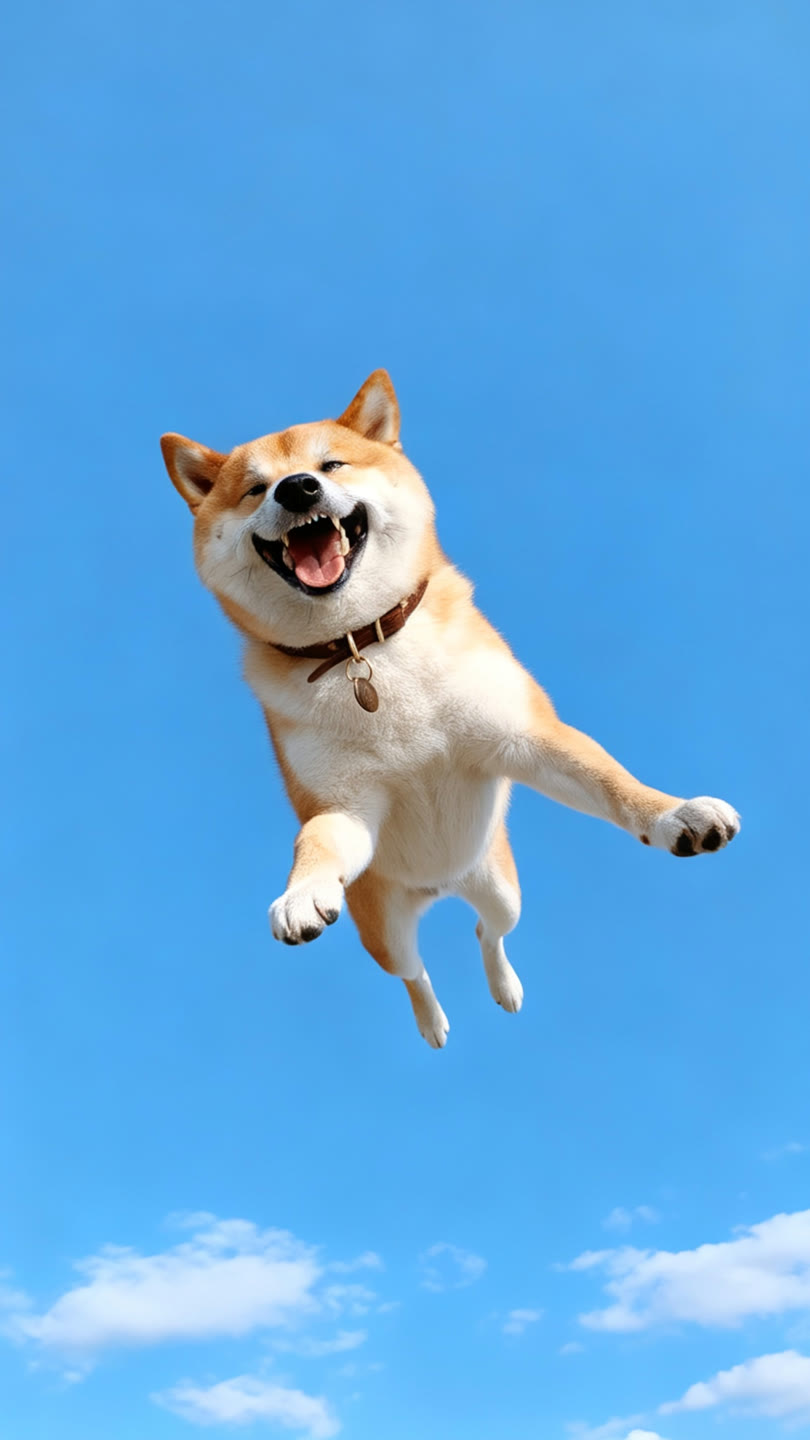
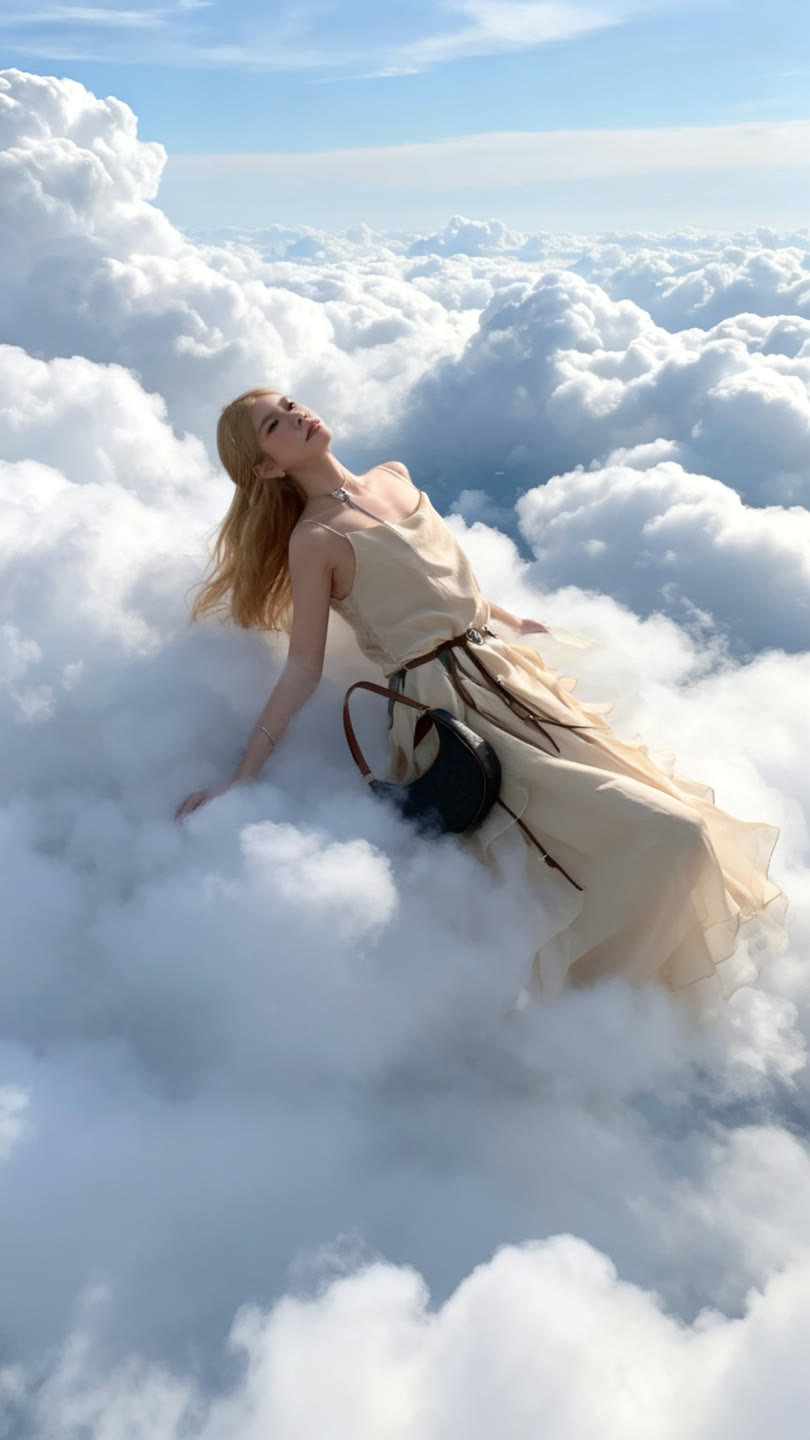
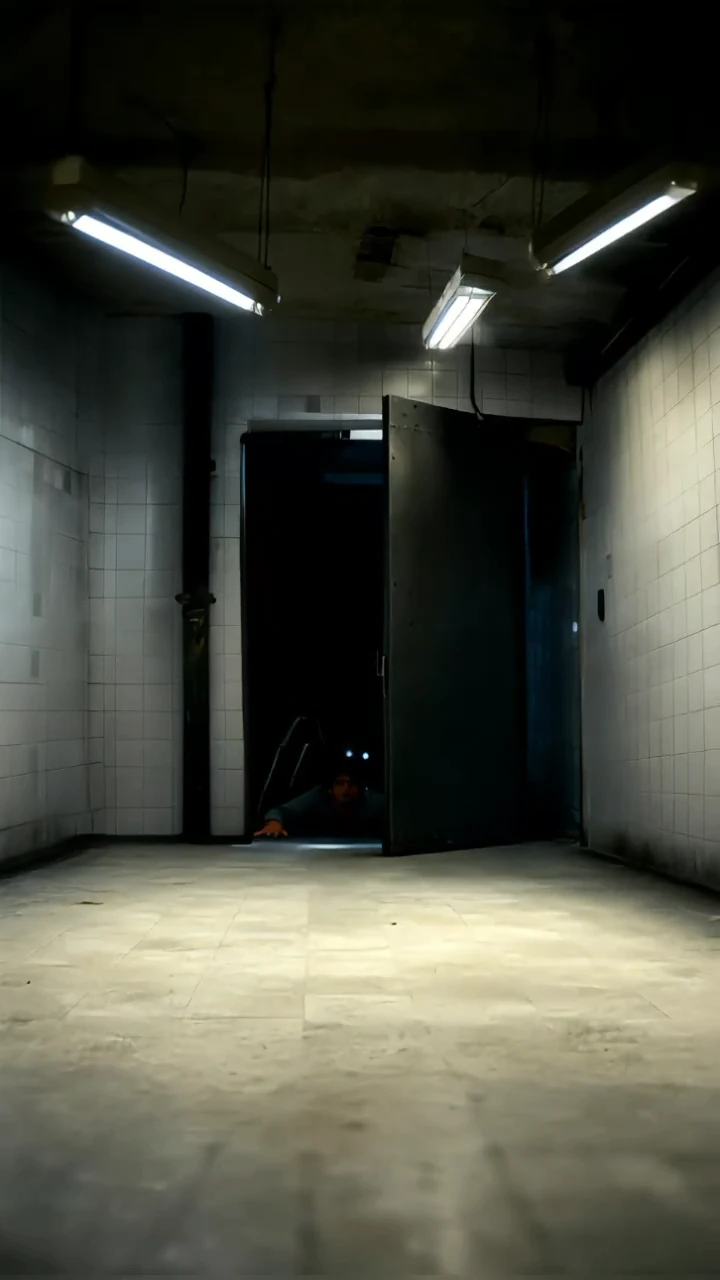
CUT THE GENERATED FOOTAGE DOWN TO THE STORY
I re-trimmed the clips to remove redundant footage and keep the dream moving toward its wake-up ending.
Some image-to-video output was unusable or ran longer than the beat needed.
FEED PRODUCTION FINDINGS BACK INTO THE TOOL
Every issue I reported from production was fixed in the first release.
Across the three templates I reported generation-duration mismatches, failed transitions, and cropping that did not survive export.
I also documented two workflow improvements, access to original prompts and clearer reference-image input, which engineering confirmed for the second phase.
Every stage needed a call: which model behavior to keep, which scenario to drop, where to cut generated footage, and which failures had to reach engineering before release.