TELEPRESENCE
My colleagues designed the interface. I animated six UX studies, using scale, dimming, and transitions to show what is selected, who is in focus, and when to enter a room.
THE RESULT
A SCREEN BETWEEN US
A WAY TO CONNECT
At Bluecadet, we asked how online gatherings could hold our attention when the pandemic moved everyday conversations onto screens.
A day of video calls is not the same as talking face to face, and it is hard to stay focused. In Telepresence, an internal concept study, the Bluecadet team redesigned the whole online gathering, and my colleagues designed its interface.
My role was to make those designs move. I created UX motion studies across profile setup, the waiting room, event browsing, and three ways of gathering in a session, timing every click, scroll, and transition so it feels like someone is really at the controls.
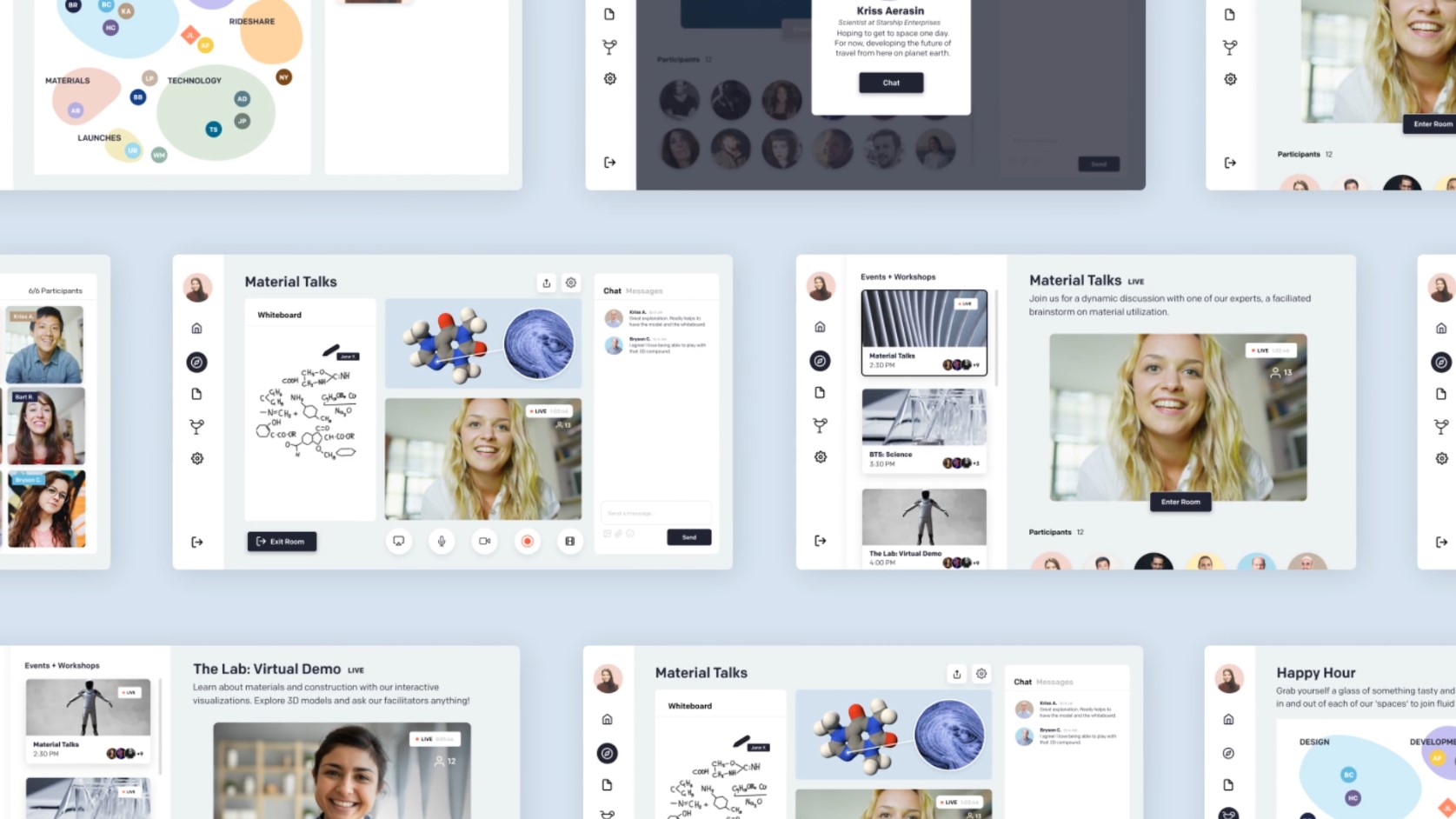
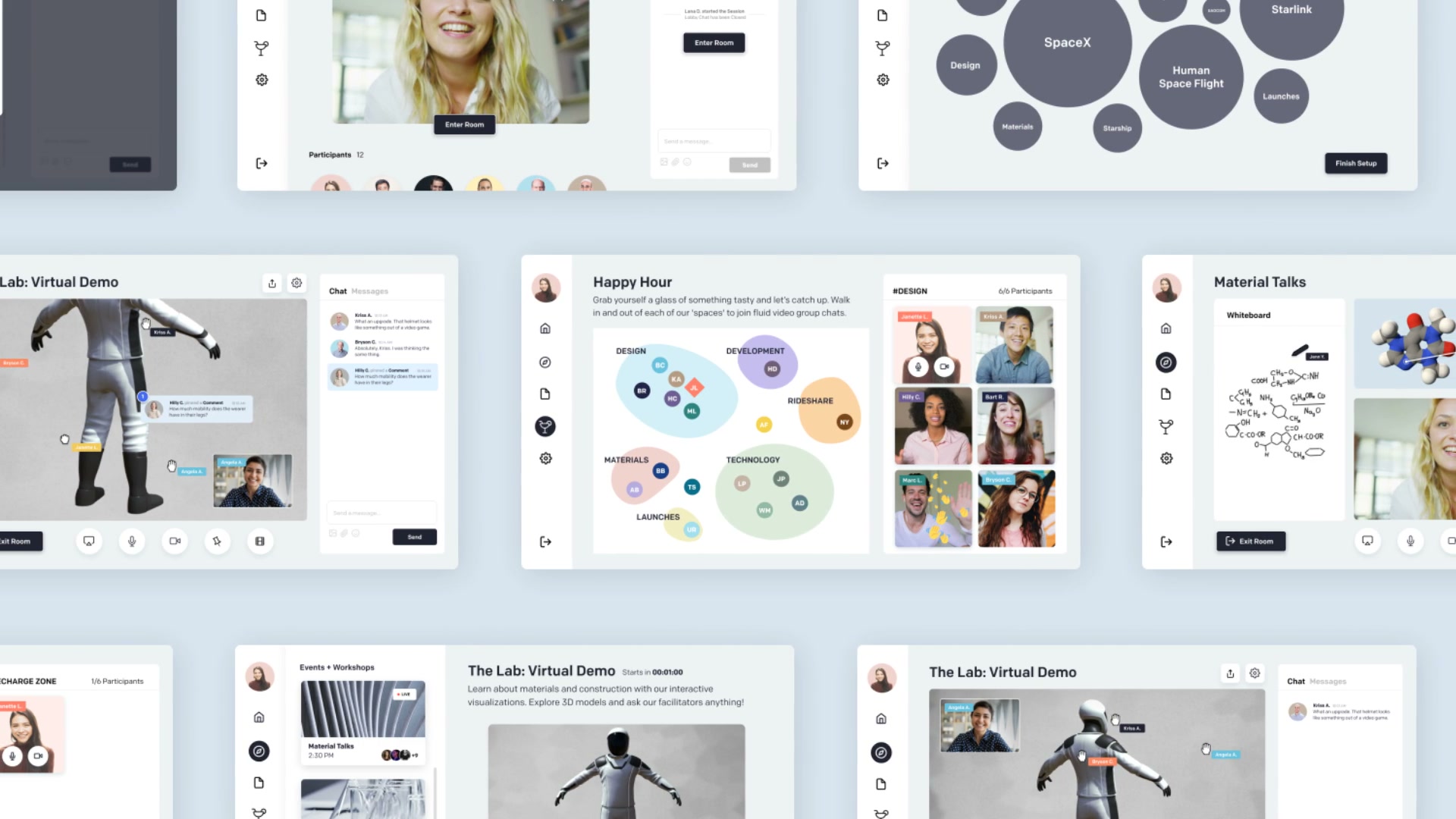
SIX MOTION STUDIES
Six of the team’s screens, animated as if a real person were using them.
LET INTERESTS TAKE SHAPE
Picking interests should feel like a real choice, so in my profile setup study selected interests grow into view.
As an interest bubble grows, the surrounding bubbles shift to make room. The changing arrangement keeps attention on the selection, while Finish Setup changes from gray to dark to signal the next step.
MEET BEFORE THE ROOM OPENS
The waiting room is a chance to meet people, so in my study, opening a participant’s profile brings one person into focus before the session begins.
A profile card appears over a darkened background, drawing attention from the group to one person and the Chat button. When the countdown reaches NOW, the preview changes to the host’s video and Enter Room turns dark, shifting attention toward joining the session.
PREVIEW BEFORE JOINING
Choosing an event is easier when you can see what you would join, so in my browsing study the preview follows the selection.
The event list scrolls independently of the preview. Selecting Virtual Demo moves the outline to its card and updates the title, host video, and participant group on the right. The list holds still through the switch, so the other events stay within reach and Enter Room is the clear next step.