EFFECT HOUSE AI LAUNCH FILM
I took the approved storyboard through animation, music, and pacing, keeping one rhythm through eight looks.
- PROBLEM
- Eight visual styles had to read as one continuous game animation.
- MY DECISION
- I animated once and swapped separated artwork onto the same keyframes.
- SHIPPED
- I delivered animation, music, and pacing for the published launch film.
- EVIDENCE
- A 36.5-second cut in eight styles, published October 8, 2026.
THE numbers
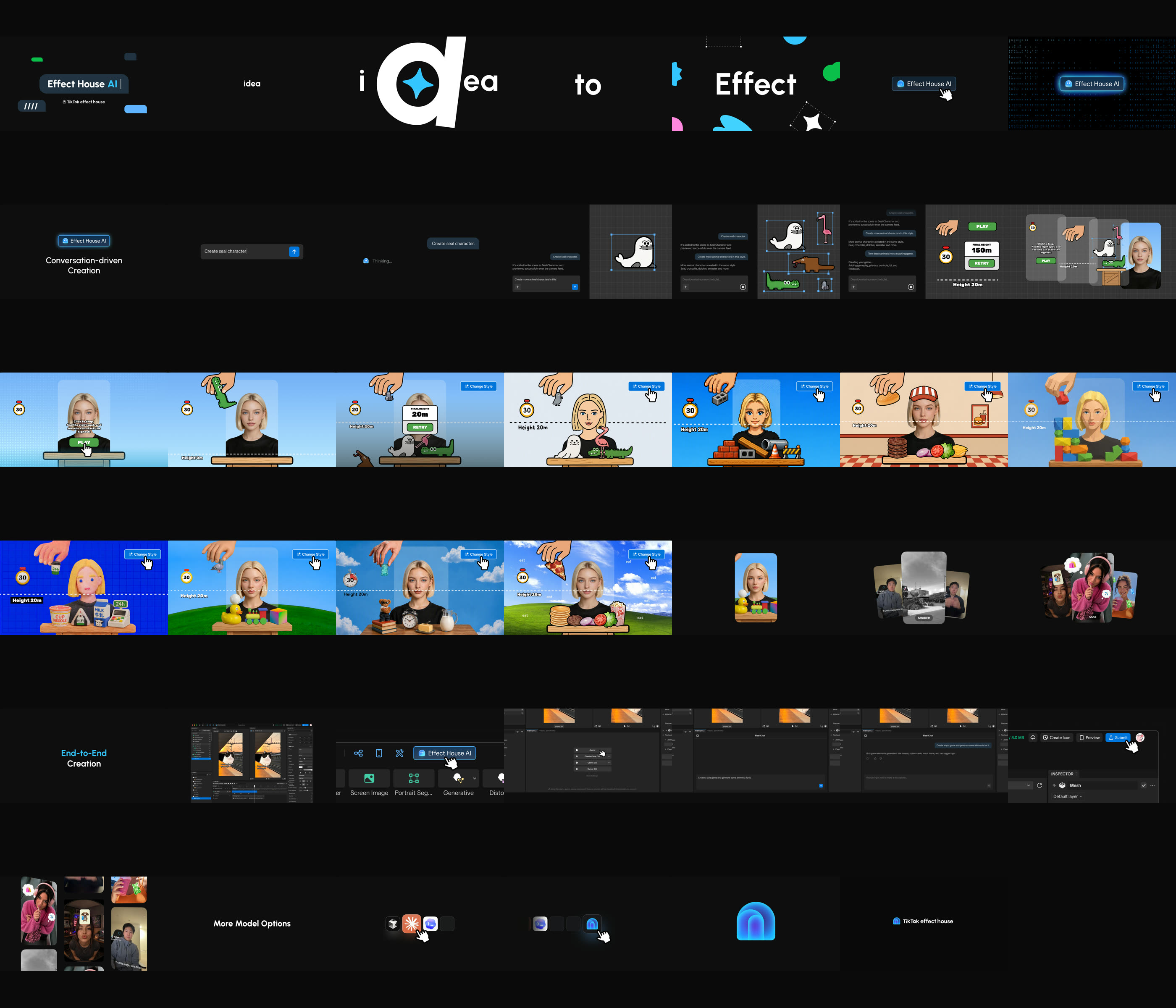
The published cut, with the music and pacing as I set them.

Looks the same stacking game switches through in one beat, on the same timing.

From start to the delivered cut.
Published October 8, 2026. Animation, music and pacing by Siji.
THE RESULT
I carried the film through animation, music, and pacing to the version published on Effect House's TikTok account.
THE BRIEF
The storyboard was set. I took it from there: animation, music, and pacing, keeping eight looks on one rhythm.
Effect House AI turns a text prompt into a TikTok effect. For its launch, Effect House needed a 36-second film.
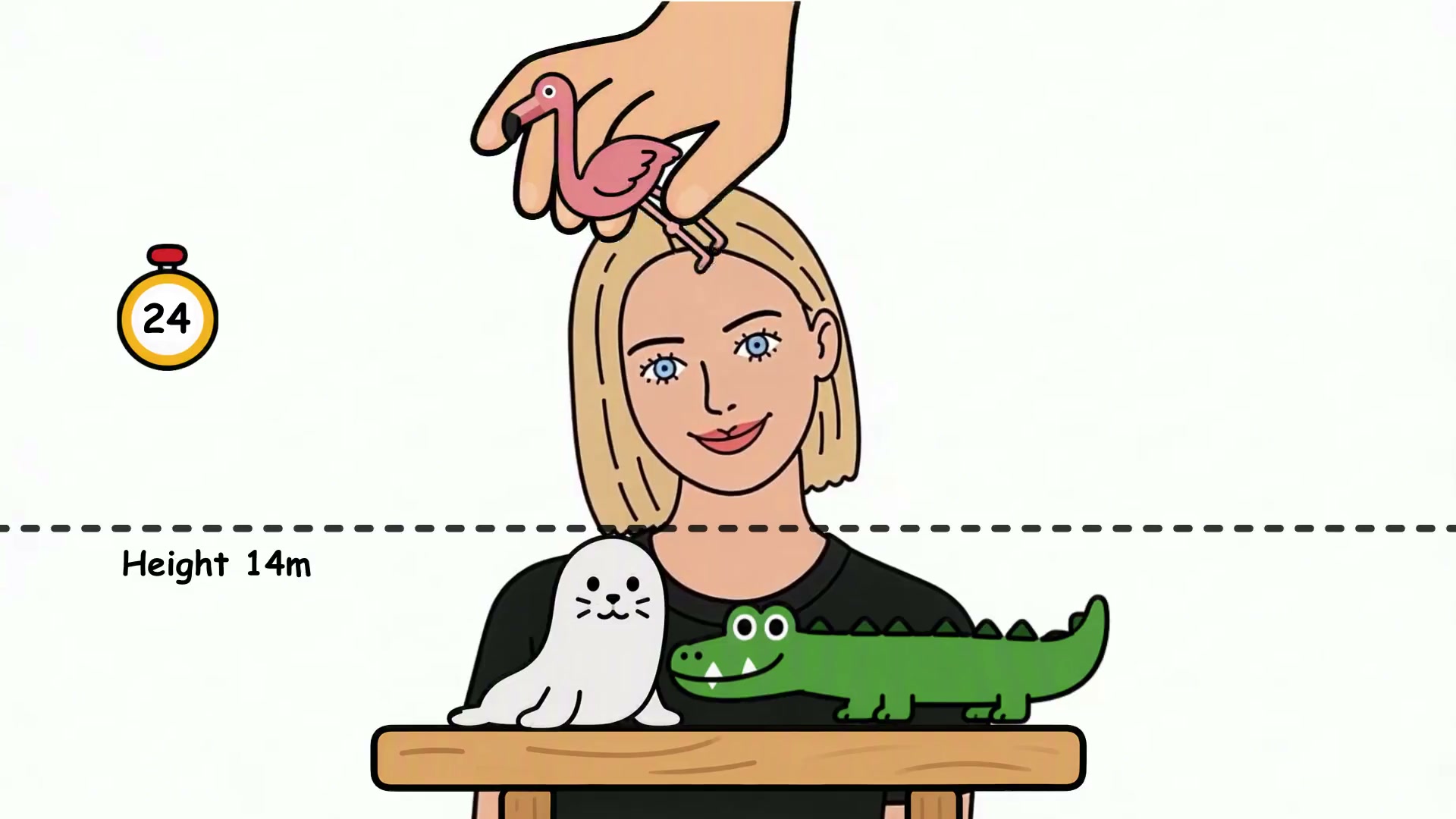
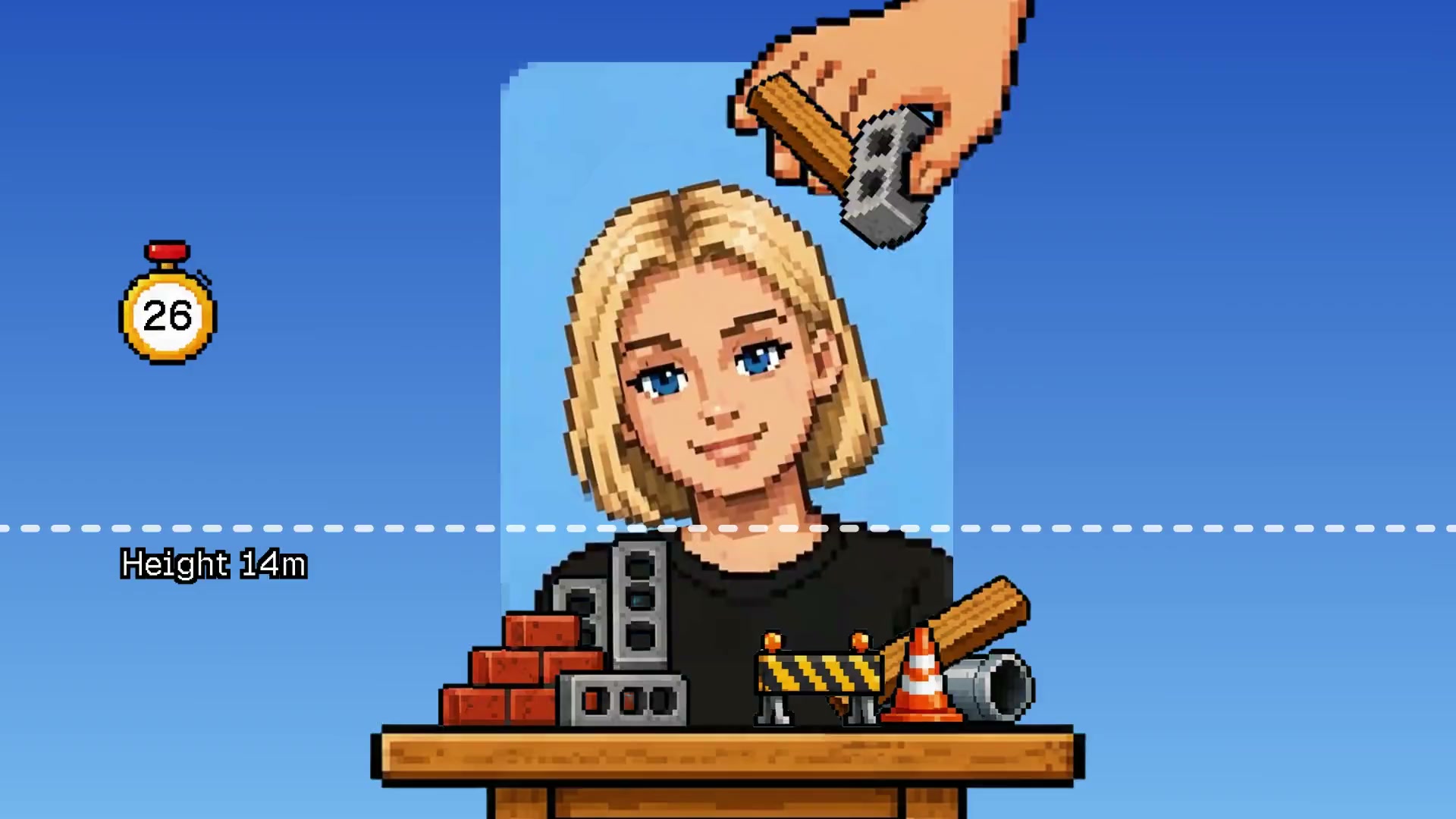
SAME GAME, EIGHT SKINS
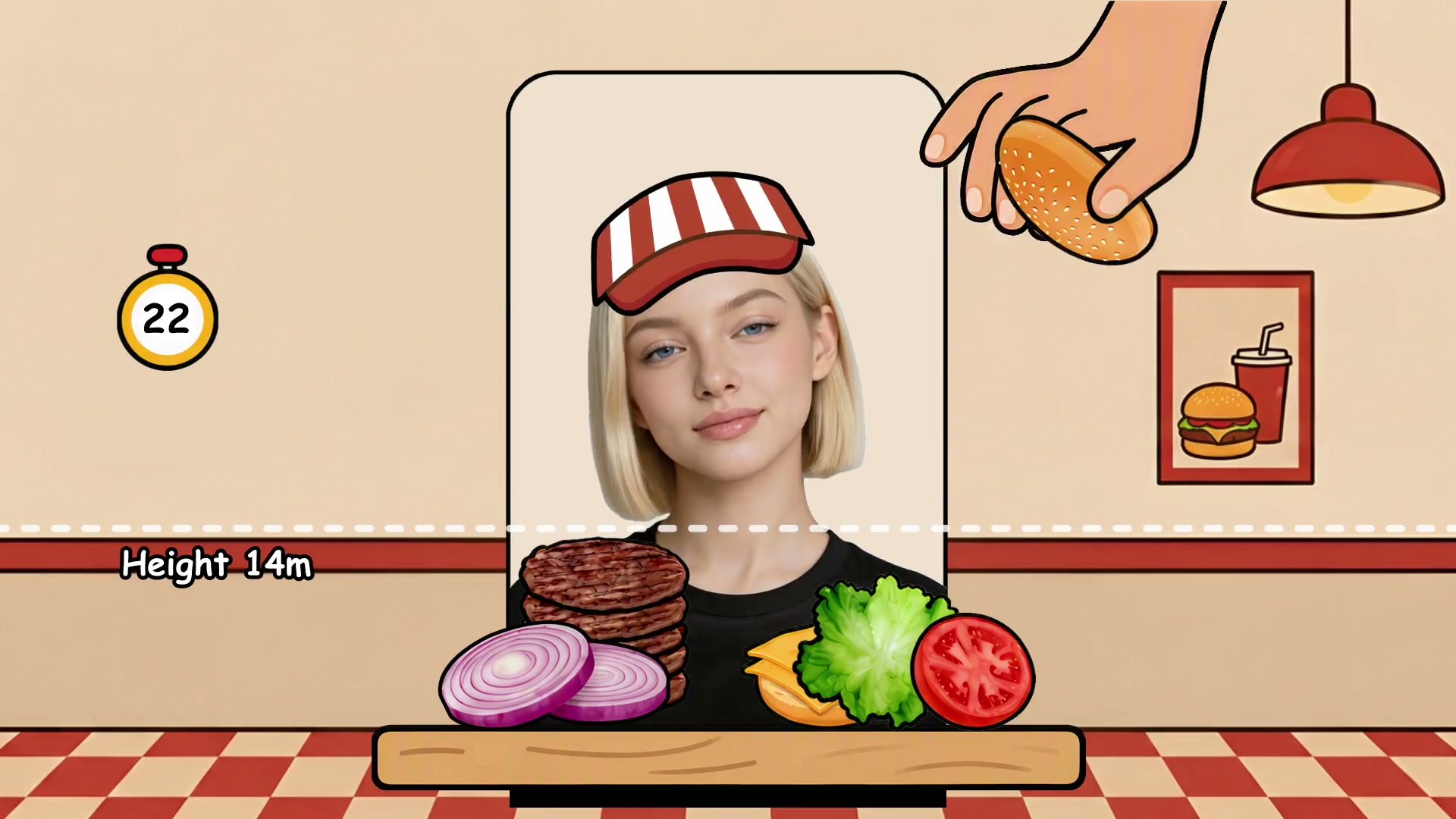
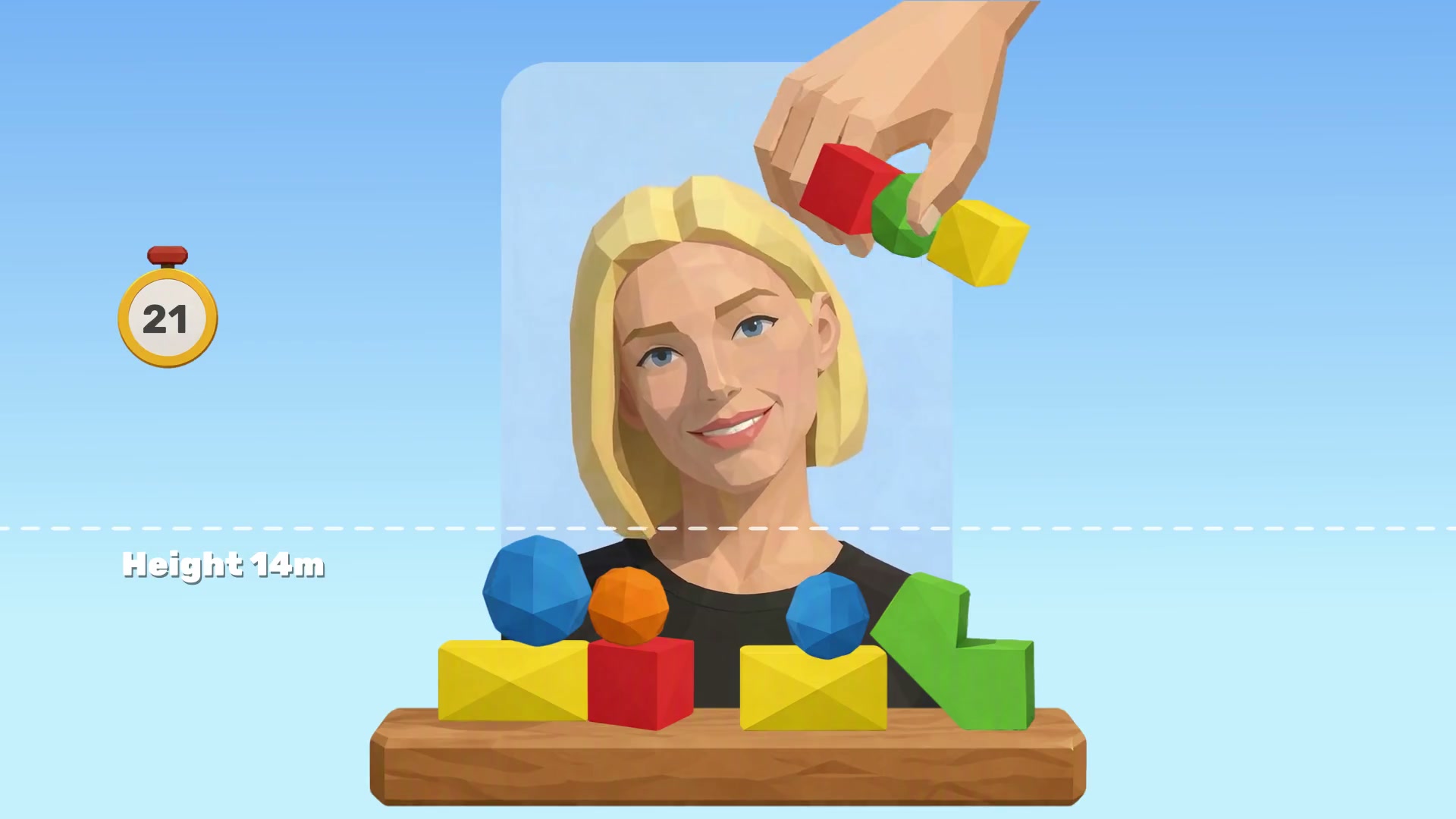
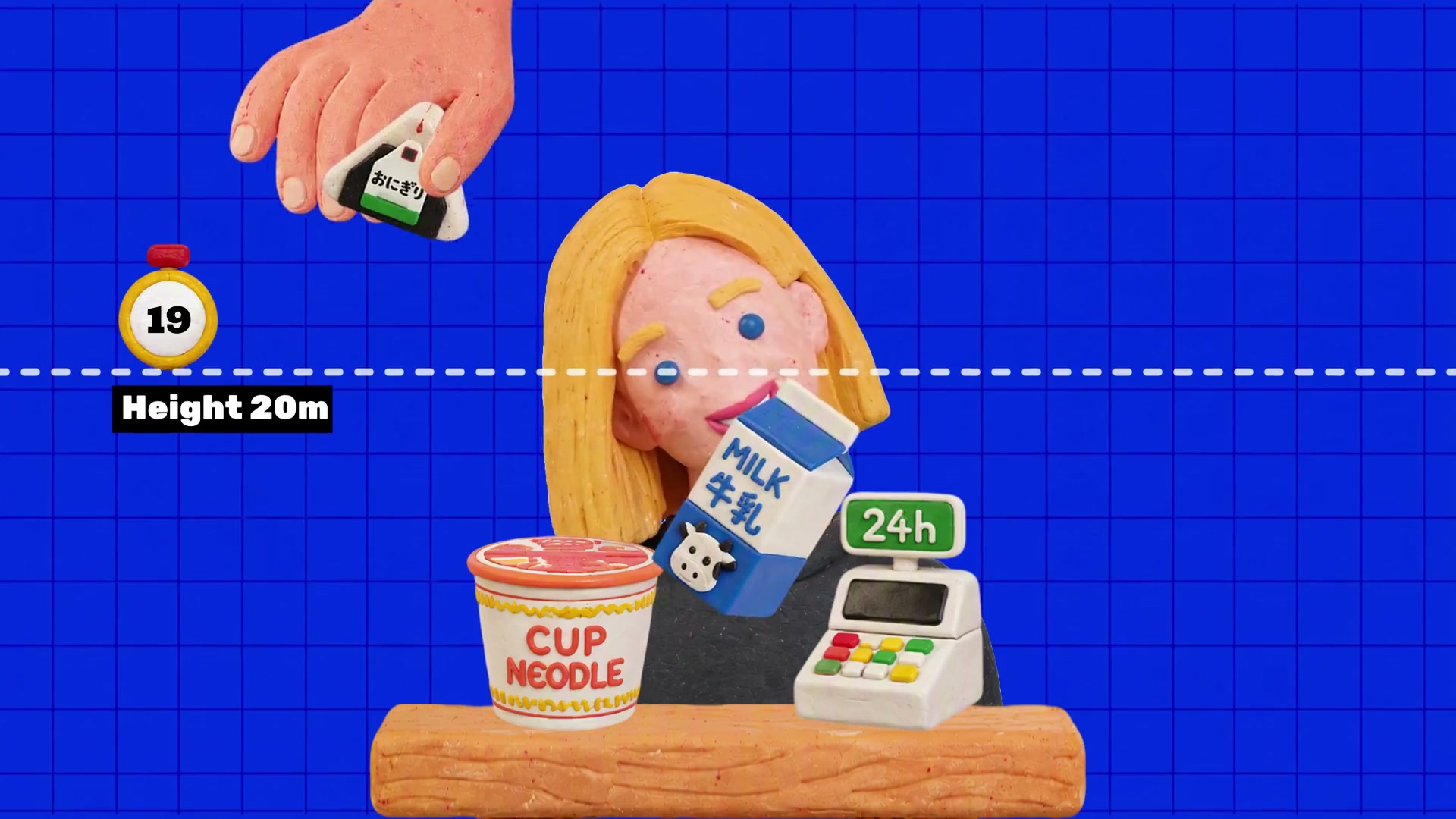
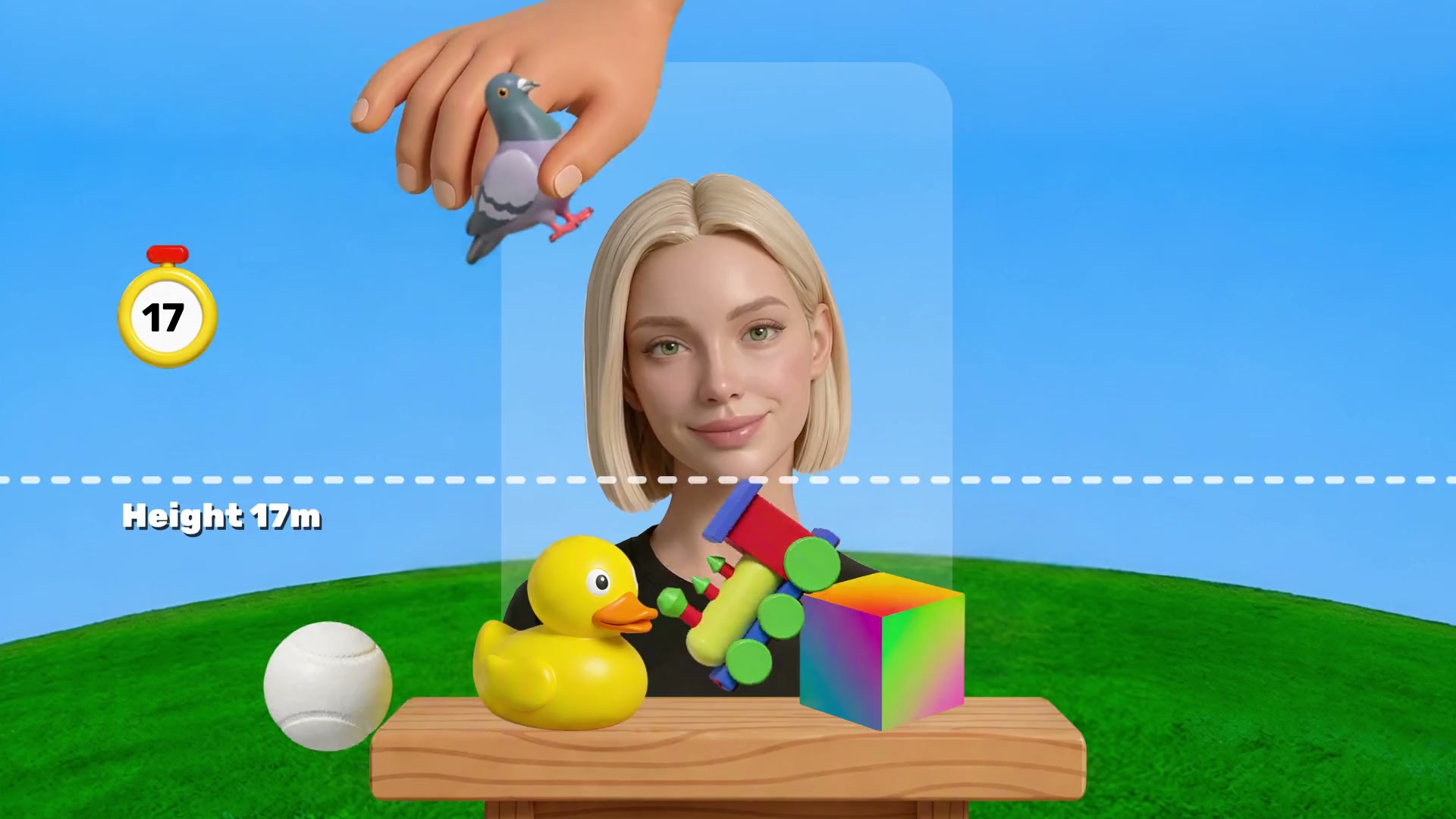
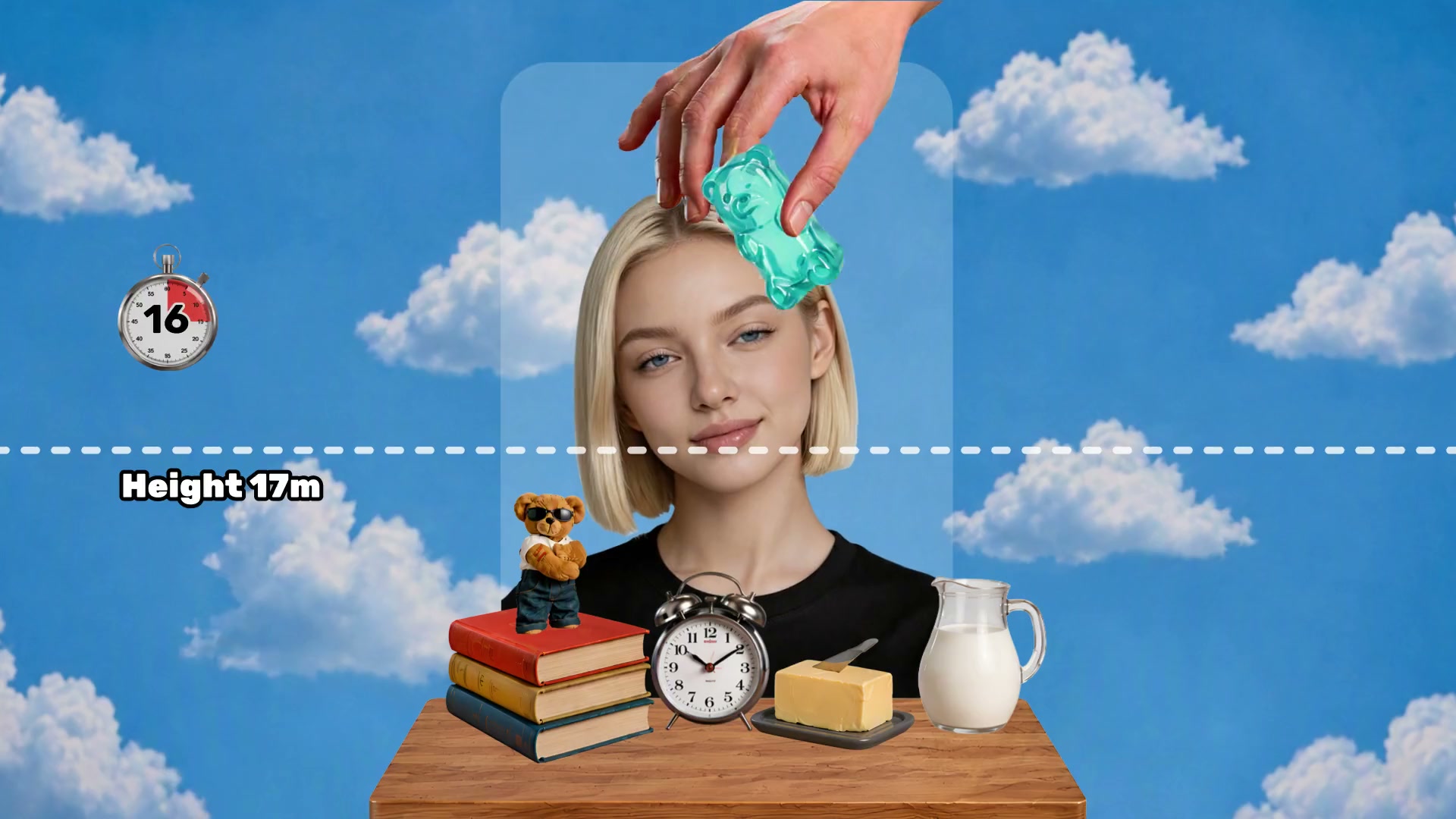
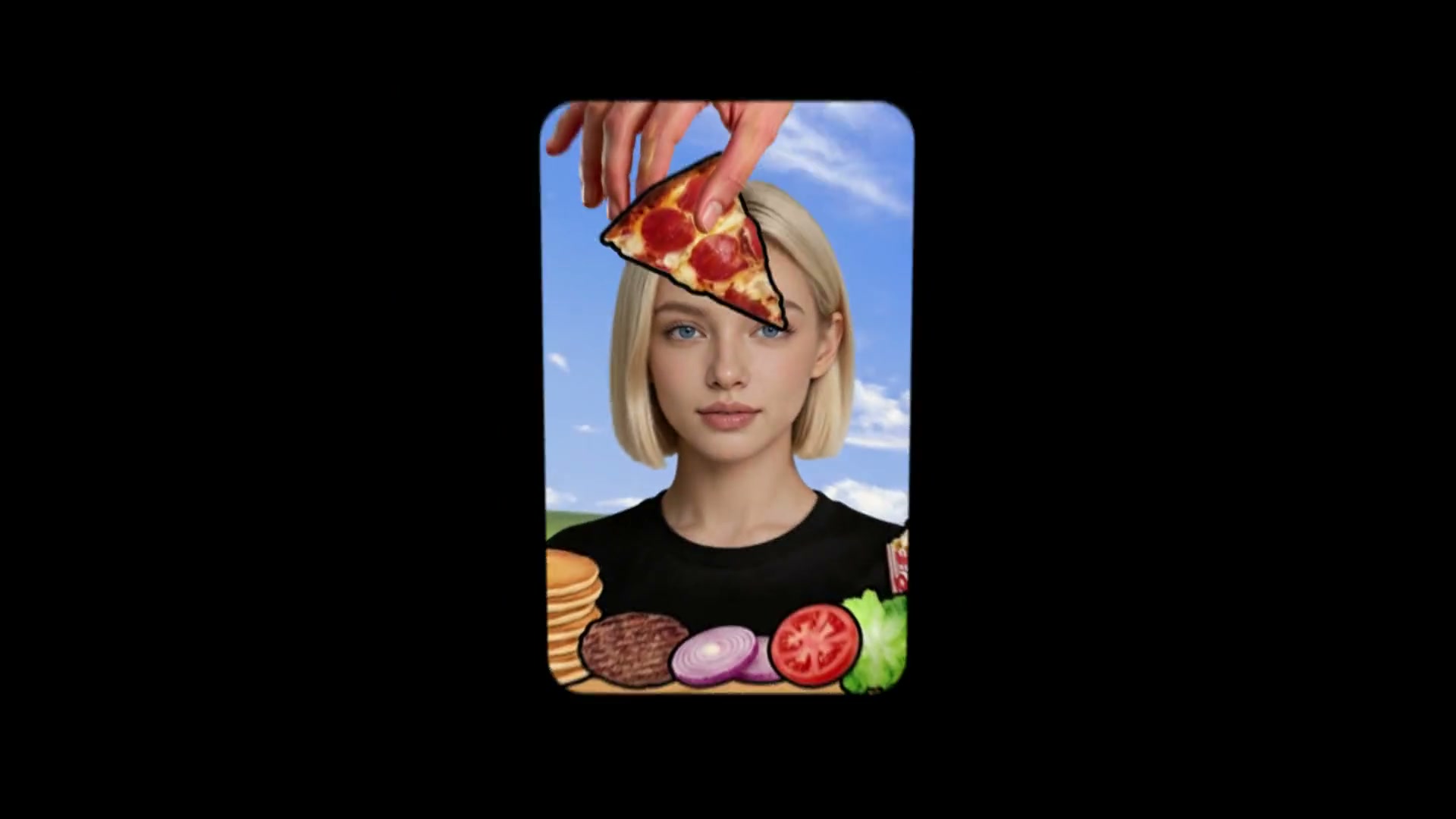
The same stacking game had to change its look eight times, in under three seconds, and still read as one continuous animation.
It all happens in one shot, and that shot was the hardest part of the film.
VIEW EIGHT FRAMES FROM THE PUBLISHED CUT
SPLIT THE SCENE, SWAP THE LAYER
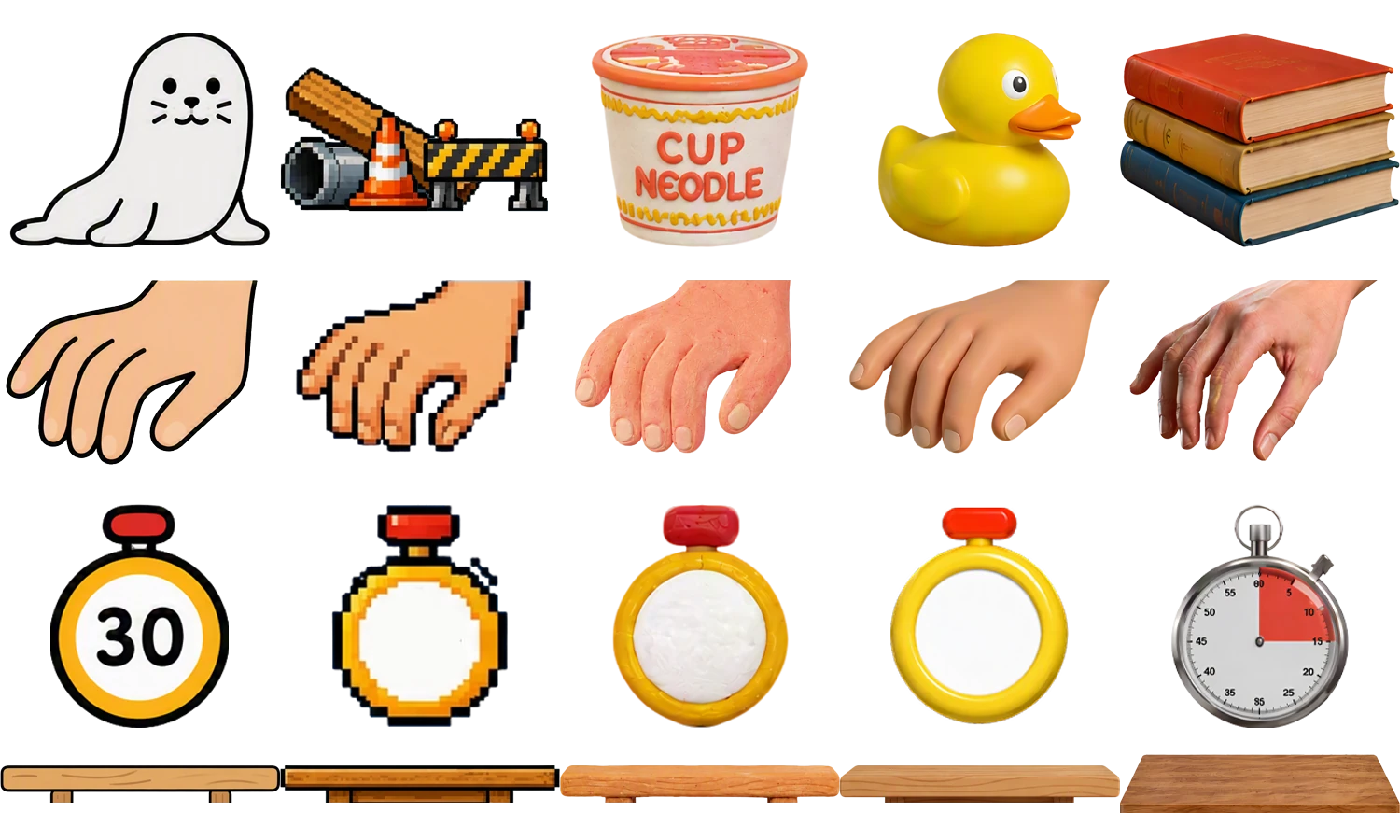
I animated the game once, then swapped all eight skins onto one set of keyframes.
I tested an AI video tool suggested by the storyboard designer and design lead. Even with a first and a last frame, it did not give me the timing control this shot needed, so I kept the animation in After Effects.
So I turned it around and had AI split each design frame into separate elements. I cleaned the parts in Photoshop and swapped them into layers already animated in After Effects.
THE SCRIPT WAS SET, THE TIMING WAS NOT
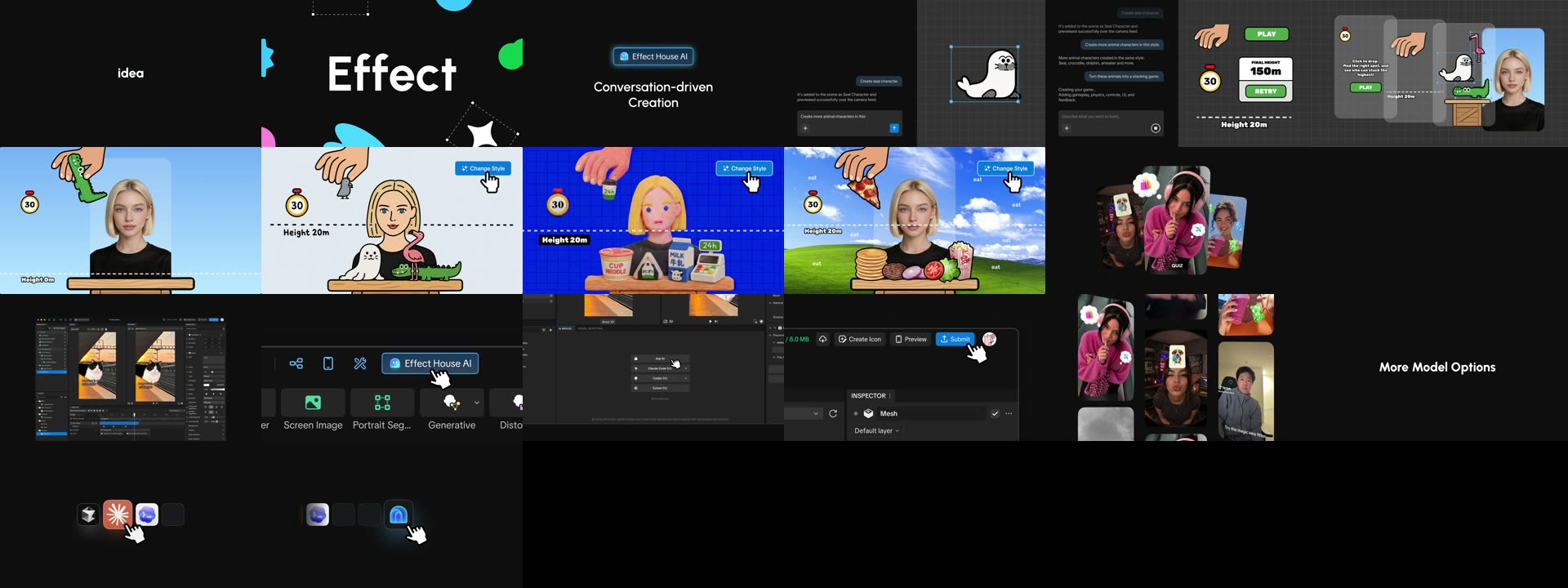
I rebuilt the timing of the storyboard’s 30-second animatic in After Effects, and the cut grew to 36.5 seconds.
The beats stayed the same. What changed was how long each one held, so every moment had room to read.
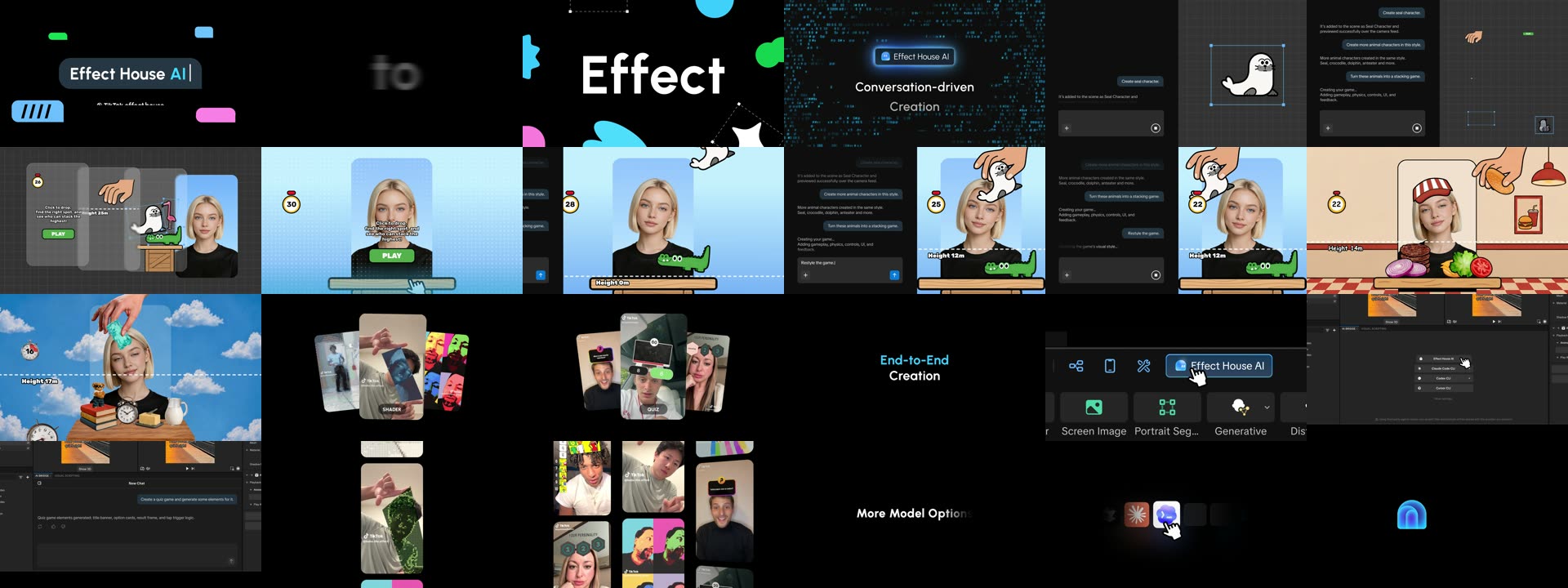
REVIEW MY OWN DRAFT FIRST
Before anyone else saw the first draft, I reviewed it in Frame.io and left myself sixteen notes.
Three of them: the 3D fly-in was too fast, the style switch did not look like it came from clicking Change Style, and the glitch ending came out of nowhere.
Overall, the 3D pull toward the camera is too fast.
The Change Style transition needs a better treatment. It reads as a plain cut and does not sell the idea that our tool can switch styles. The frame is busy and changing at once, so the transition has to manage continuity and the visual center of gravity, and it never makes clear that the change comes from clicking Change Style.
The glitch style comes out of nowhere. Find a better way to lead into it.
Swap the content. Keep the keyframes.