W.L. GORE
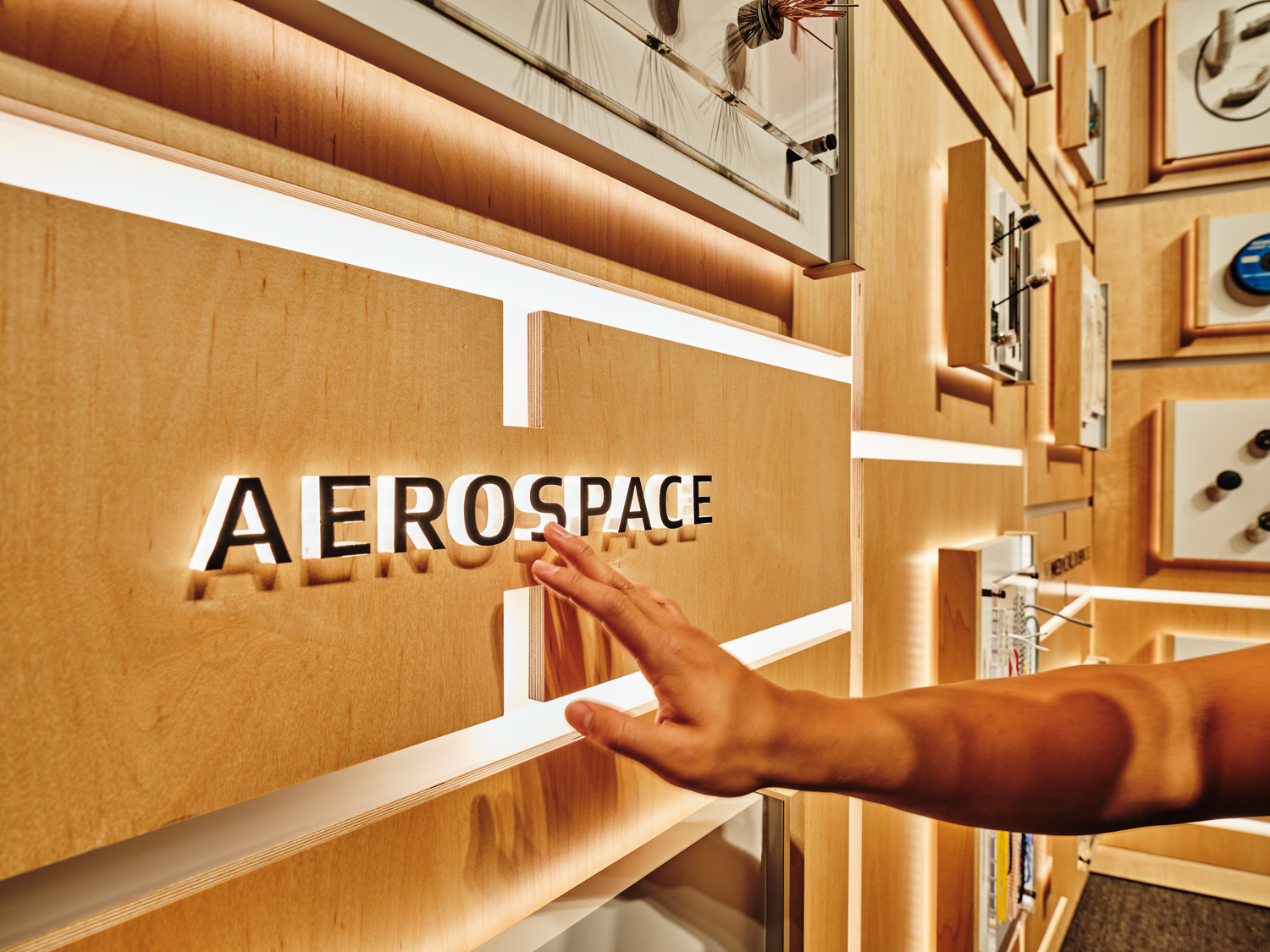
Touch a category label, and light travels across the wall to its products. I mapped the LED paths and designed the motion for Gore’s Product Wall, alongside animation for the exhibition’s screens and product explainers.
- PROBLEM
- Touch feedback had to stay clear across a wall of 70 products.
- MY DECISION
- I mapped the light paths and tuned their pacing at wall scale.
- SHIPPED
- I handed off the Product Wall sequences and contributed motion across the exhibition.
- EVIDENCE
- The installed light trails connect each category label to its products.
THE RESULT
A MATERIAL SCIENCE COMPANY,
EXPLORED THROUGH ITS PRODUCTS
I tested the pacing so each light trail was comfortable to watch and still felt connected to the touch.
Gore’s Capabilities Center in Newark, Delaware introduces partners, customers, and visitors to the company’s materials and applications. Created by Bluecadet with architectural partner DIGSAU, the center combines physical exhibits, interactive media, and immersive spaces.
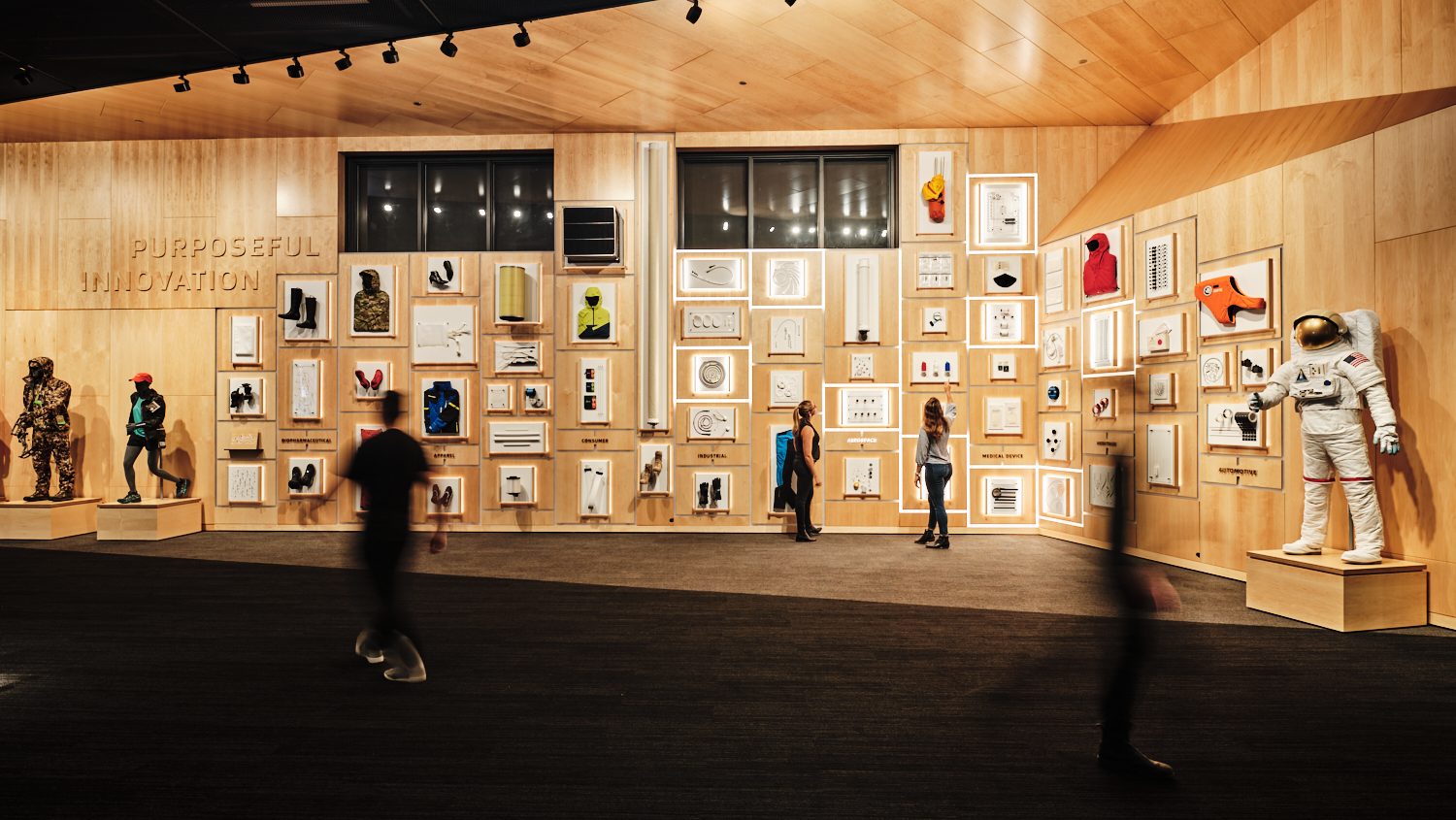
The Product Wall brings together 70 product samples spanning industries from apparel to aerospace.
PRODUCT WALL
A touch sends light from a category label to related products across the wall.
FOLLOWING A CATEGORY THROUGH LIGHT
When a visitor touches a category button, light begins at that button and travels along the LED strips to the products in that category.
As the light reaches each exhibit, the strips around it glow and stay lit for a while before turning off. Choose another category and the wall clears, then the next sequence begins.
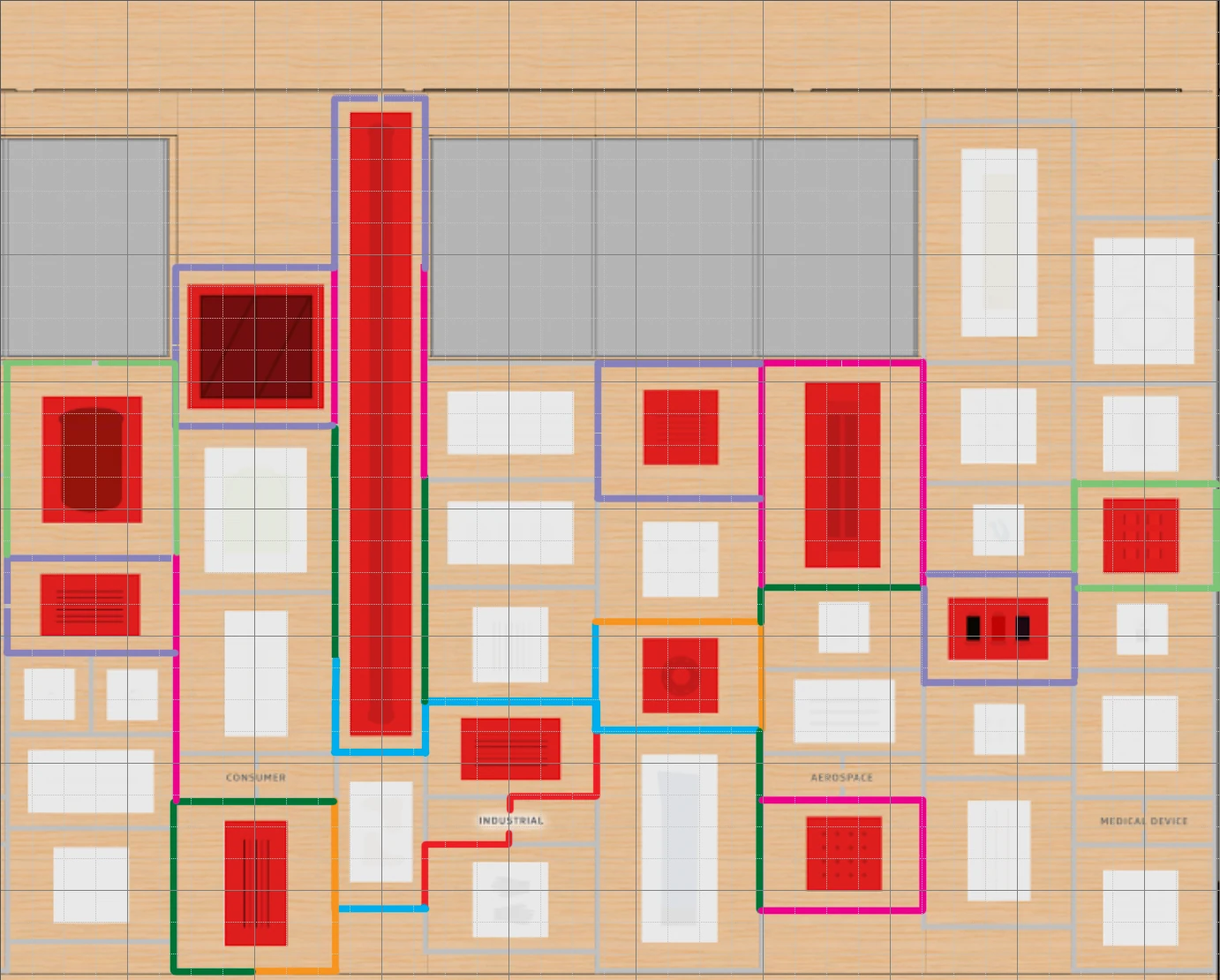
I mapped the LED paths and animated the sequences, deciding the route and rhythm the light takes from a label to its products.
MAKING THE RESPONSE FEEL CONNECTED TO THE TOUCH
The goal was simple: visitors should feel, “I made that happen.”
Speed was the question testing kept coming back to. Too fast, and the movement could feel dizzying; too slow, and visitors were left waiting for the response.
I kept adjusting the pacing until the light was comfortable to follow and still clearly answered the visitor’s touch.
MOVING BETWEEN ANIMATION AND THE PHYSICAL SPACE
Full-scale projection tests and physical reviews let me assess the movement at the scale of the wall.
I animated the lighting in After Effects, then brought it into Maya.
After each review, I adjusted the animation in After Effects and brought it back into Maya, repeating the process until the sequence was ready for the programmer.
REVIEWING IN VR
Before anything was built, the team walked the wall and the hallway in VR.
I took part in these reviews; the headset sessions were run by colleagues.
MOTION ACROSS THE EXHIBITION
I contributed to hallway lights that follow visitors and animated diagrams explaining how Gore materials work.
LIGHTING THE HALLWAY
I also contributed to the lighting motion of the entry hallway, where LED strips set into the wood slats follow visitors as they walk.
The lighting runs an ambient pattern when the hallway is empty and switches to a follow mode when someone passes.
EXPLAINING MATERIAL BEHAVIOR
I animated diagrams that show how Gore materials work, and comparisons that make differences in performance visible.
They were part of the product content visitors explore. I also designed interaction states and transitions for the product touchscreens, and animated for the theater and other large screens.